 ENON
ENONSupporters
Notte Stellata
Package for the Xenon dashboard, by xenon
An impasto night sky in the spirit of Van Gogh. The stars and swirls really move, the widget paints CPU, GPU and temperature as brushstrokes, and the Ambient scene shows only the time, the weather and what is playing.
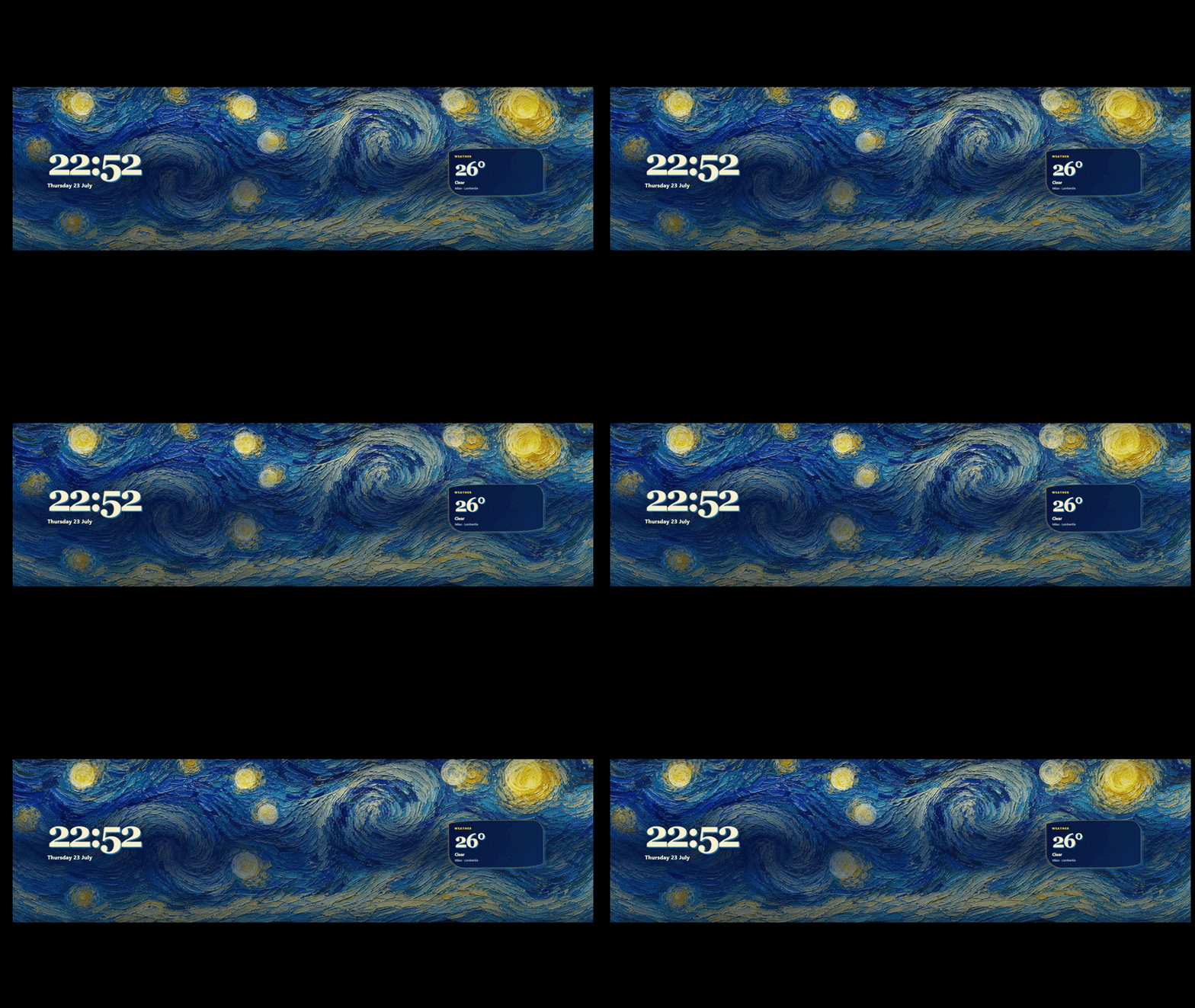
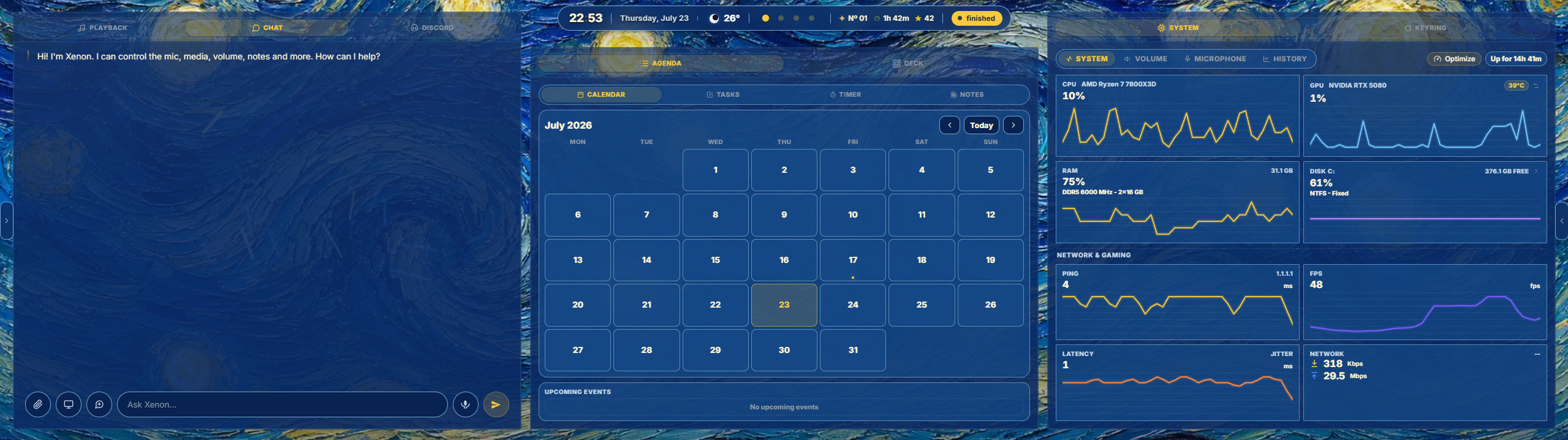
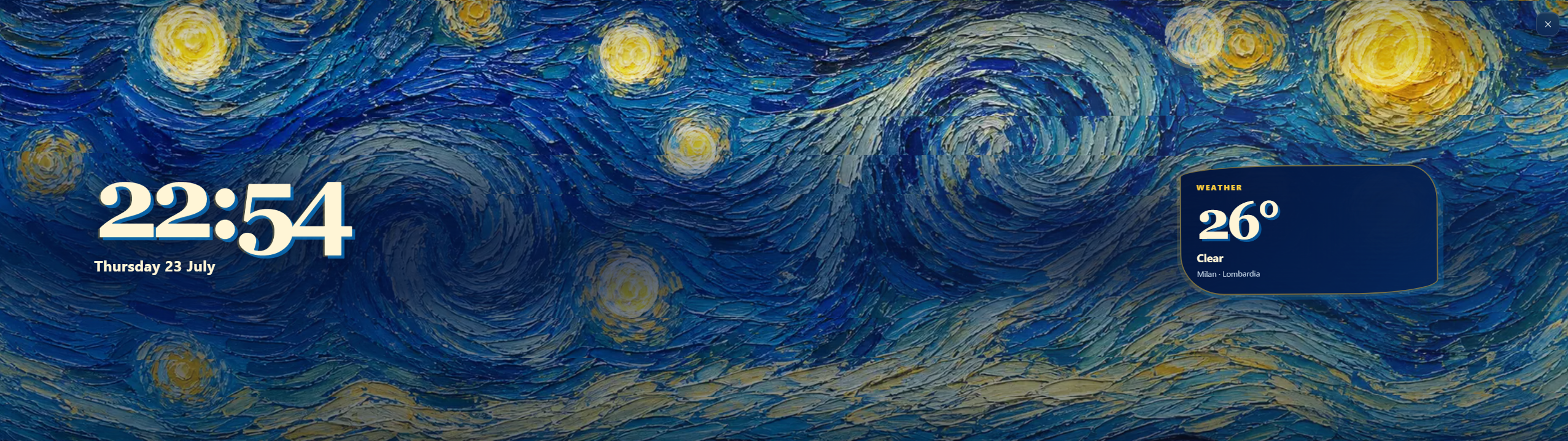
What's in it
1.0.0: the theme, the animated impasto background, the system widget and the Ambient scene, in ten languages.
What a package does
A package installs several pieces at once — typically a theme, a background and one or more widgets built to look like each other — so the whole dashboard changes in one paste.
Palette
#F7C93D#06183F#FFF5D6
Tags
A supporters' item — unlock it in the catalog, then paste the code into Xenon under Settings → Widgets & sharing → Import.
How to install it
- Open Notte Stellata in the catalog and unlock it with your supporter code. One code unlocks it on up to three machines.
- In Xenon, open Settings → Widgets & sharing → Import and paste the code.
- Xenon shows you what the code contains before anything is applied. Confirm, and Notte Stellata is on your dashboard.
- This one needs Xenon 4.9.0 or later. An older install refuses the code rather than importing half of it.
At a glance
- TypePackage
- CategoryStyle
- Made byxenon (supporter)
- Versionv1.0.0
- NeedsXenon 4.9.0 or later
- Runs onWindows, macOS and Linux — on a second monitor, a Xeneon Edge, a tablet or a paired phone
- PriceSupporters
- Added2026-07-23