
Package
Afterimage
Package for the Xenon dashboard, by xenon
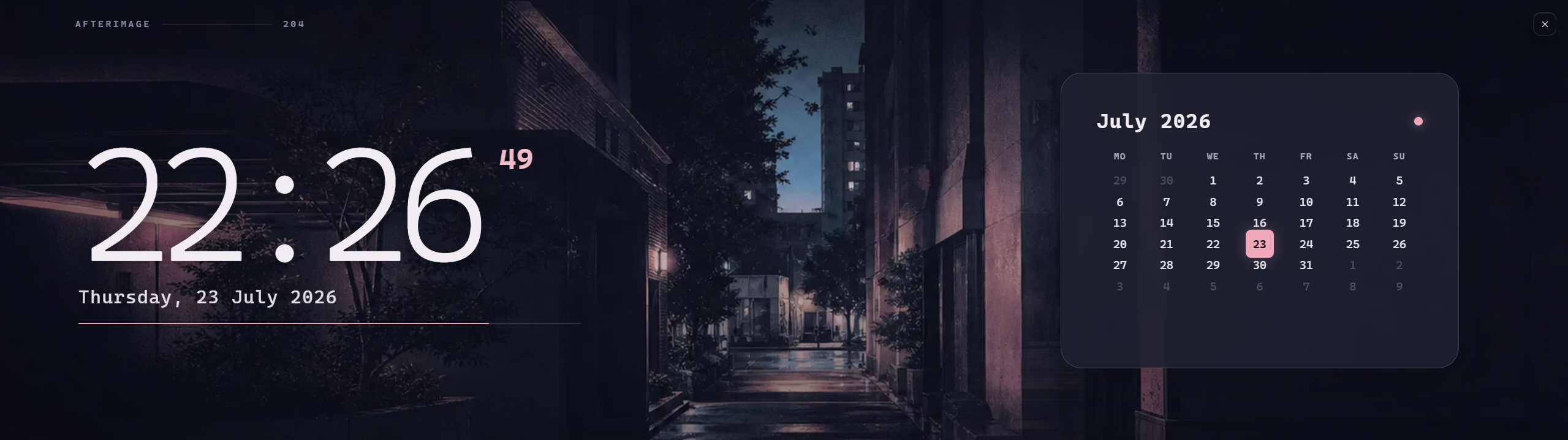
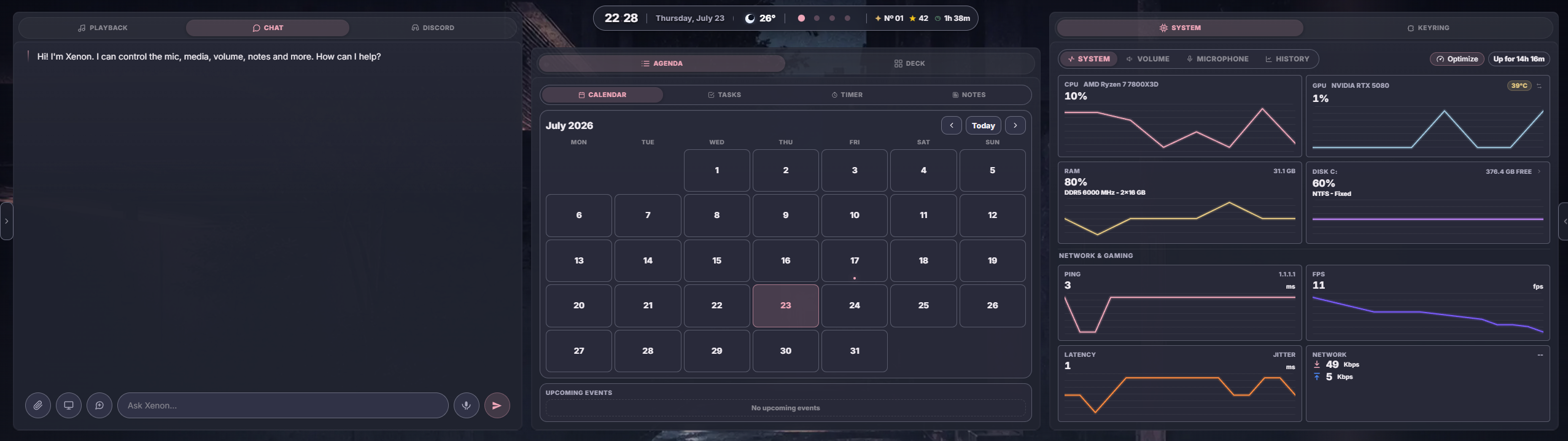
An early-2000s night-city desktop for Xenon. Opaque indigo panels clean up every native widget, the wallpaper drifts like a film exposure, and Ambient pairs a large clock with a live monthly calendar. Accent colours stay user-customizable.
What's in it
1.0.0: semantic dark theme, animated long-exposure city wallpaper and calendar Ambient scene.
What a package does
A package installs several pieces at once, usually a theme, a background and one or more widgets built to look like each other, so the whole dashboard changes in one paste.
Palette
#efa7b9#11121e#f1edf3
Tags
Free. Copy the share code, then paste it into Xenon under Settings → Widgets & sharing → Import. Everything stays on your machine.
How to install it
- Open Afterimage in the catalog and press Copy code.
- In Xenon, open Settings → Widgets & sharing → Import and paste the code.
- Xenon shows you what the code contains before anything is applied. Confirm, and Afterimage is on your dashboard.
- This one needs Xenon 4.6.0 or later. An older install refuses the code rather than importing half of it.
At a glance
- TypePackage
- CategoryStyle
- Made byxenon
- Versionv1.0.0
- NeedsXenon 4.6.0 or later
- Runs onWindows, macOS and Linux, on a second monitor, a Xeneon Edge, a tablet or a paired phone
- PriceFree
- Added2026-07-23