
Package
Ambra
Package for the Xenon dashboard, by xenon
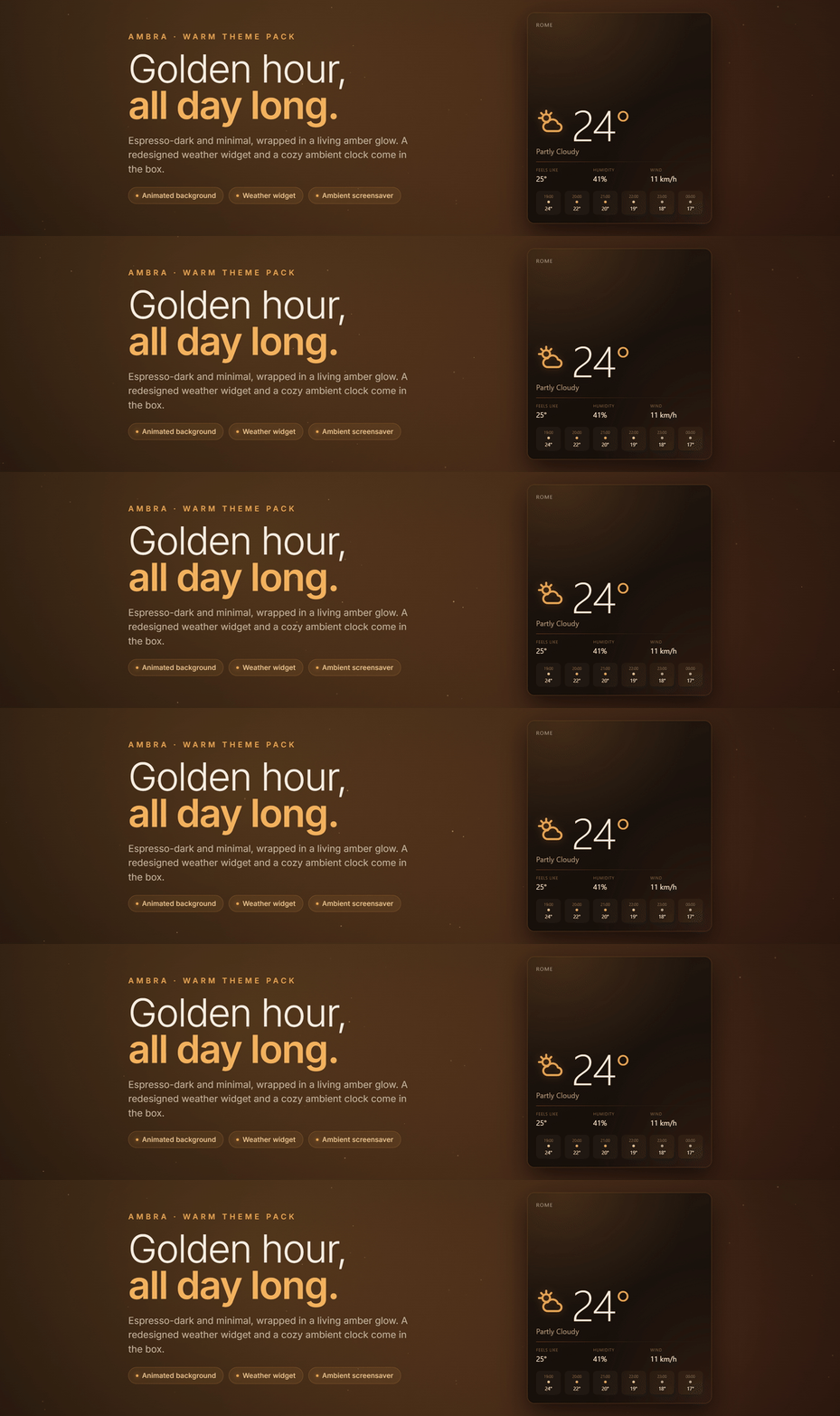
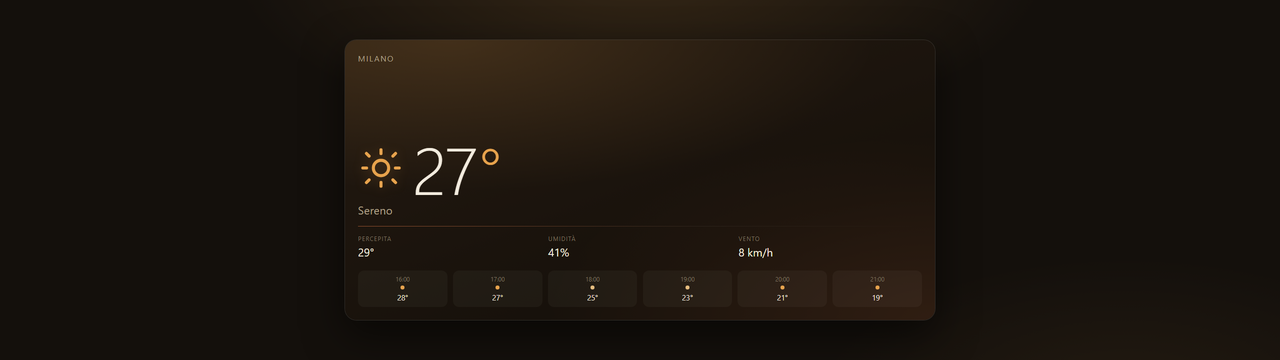
A warm, minimal pack: an amber theme on deep espresso with the animated 'Bruma d'Ambra' background, a redesigned weather widget (temperature-forward, with an essential hourly strip) and an Ambient screensaver showing clock and weather.

What a package does
A package installs several pieces at once, usually a theme, a background and one or more widgets built to look like each other, so the whole dashboard changes in one paste.
Palette
#e8a34c#14100c#f3ecdf
Tags
This one asks a little more of the machine than most, which is worth knowing before you load it onto a small screen.
Free. Copy the share code, then paste it into Xenon under Settings → Widgets & sharing → Import. Everything stays on your machine.
How to install it
- Open Ambra in the catalog and press Copy code.
- In Xenon, open Settings → Widgets & sharing → Import and paste the code.
- Xenon shows you what the code contains before anything is applied. Confirm, and Ambra is on your dashboard.
- This one needs Xenon 4.6.0 or later. An older install refuses the code rather than importing half of it.
At a glance
- TypePackage
- CategoryStyle
- Made byxenon (supporter)
- Versionv1.0.1
- NeedsXenon 4.6.0 or later
- Runs onWindows, macOS and Linux, on a second monitor, a Xeneon Edge, a tablet or a paired phone
- PriceFree
- Added2026-07-20