
Supporters
Pit Wall
Package for the Xenon dashboard, by xenon
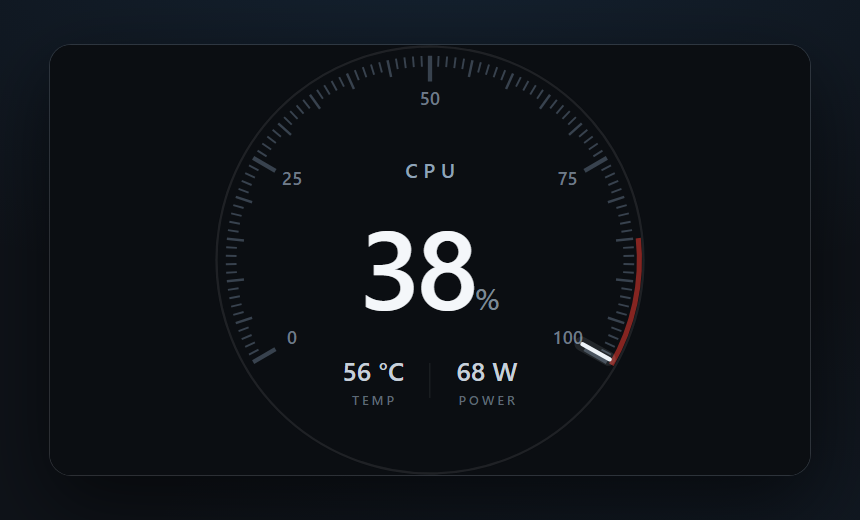
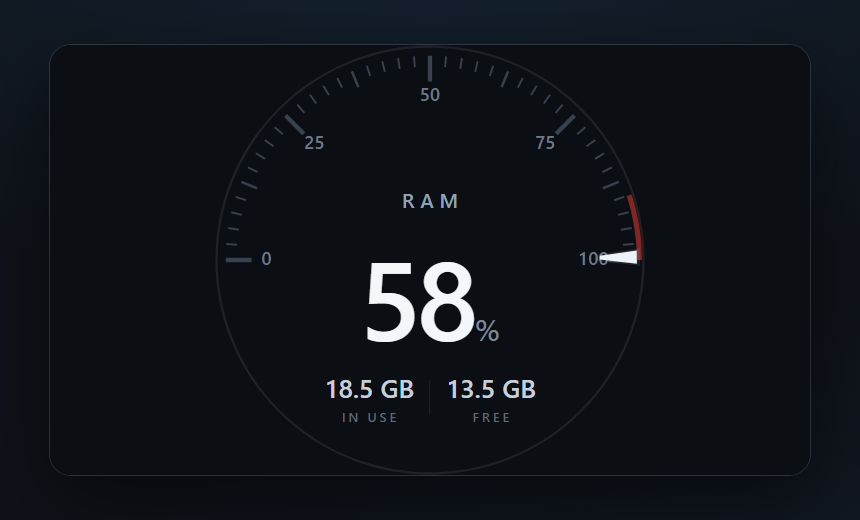
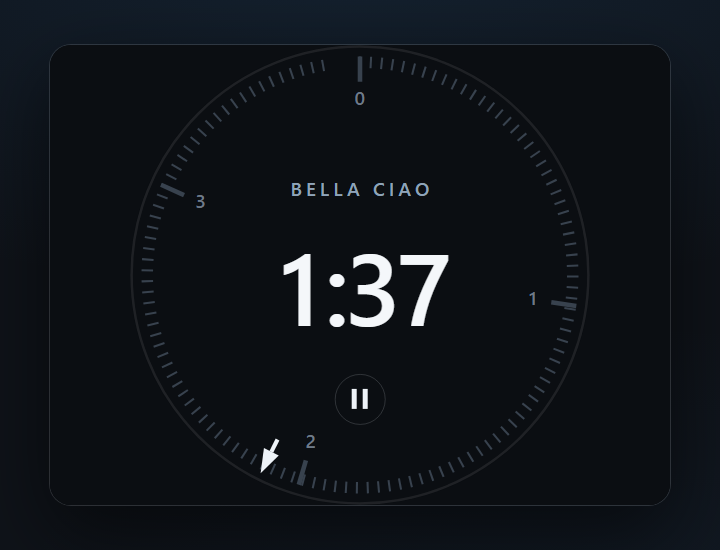
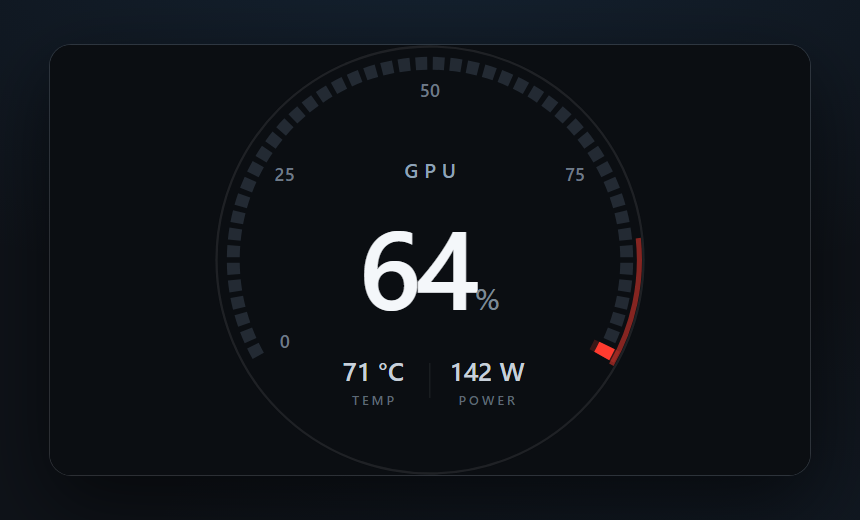
A racing cluster drawn the way a current one is: black faces, fine graduations, one bright pointer, no chrome. CPU on a 100-line comb, GPU on a 48-segment bar, RAM on a half-circle capacity gauge, each naming what it measures and keeping a tell-tale on the last minute peak. Behind them, a circuit.
What's in it
1.2.0: the instruments redrawn flat — no bezel, no glass, no centre hand — three different scales instead of one repeated three times, a peak tell-tale, and a circuit behind them instead of a texture.
What a package does
A package installs several pieces at once, usually a theme, a background and one or more widgets built to look like each other, so the whole dashboard changes in one paste.
Palette
Tags
A supporters' item. Unlock it in the catalog, then paste the code into Xenon under Settings → Widgets & sharing → Import.
How to install it
- Open Pit Wall in the catalog and unlock it with your supporter code. One code unlocks it on up to three machines.
- In Xenon, open Settings → Widgets & sharing → Import and paste the code.
- Xenon shows you what the code contains before anything is applied. Confirm, and Pit Wall is on your dashboard.
- This one needs Xenon 4.11.0 or later. An older install refuses the code rather than importing half of it.
At a glance
- TypePackage
- CategoryStyle
- Made byxenon (supporter)
- Versionv1.2.0
- NeedsXenon 4.11.0 or later
- Runs onWindows, macOS and Linux, on a second monitor, a Xeneon Edge, a tablet or a paired phone
- PriceSupporters
- Added2026-08-25