
Widget
DGM Personal Exercise
Widget for the Xenon dashboard, by DanielGarciaMorato
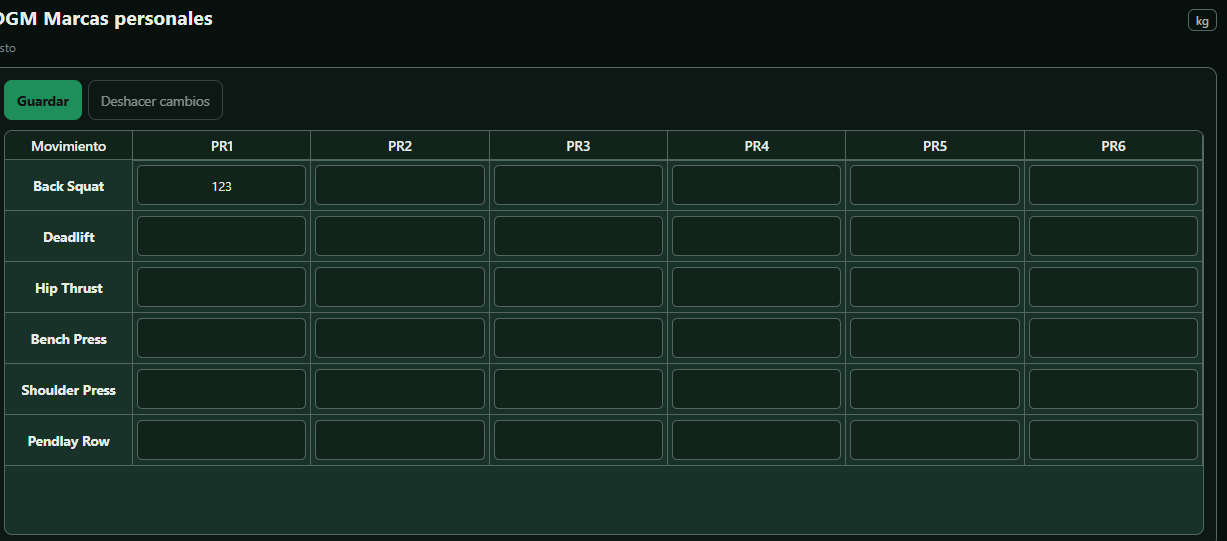
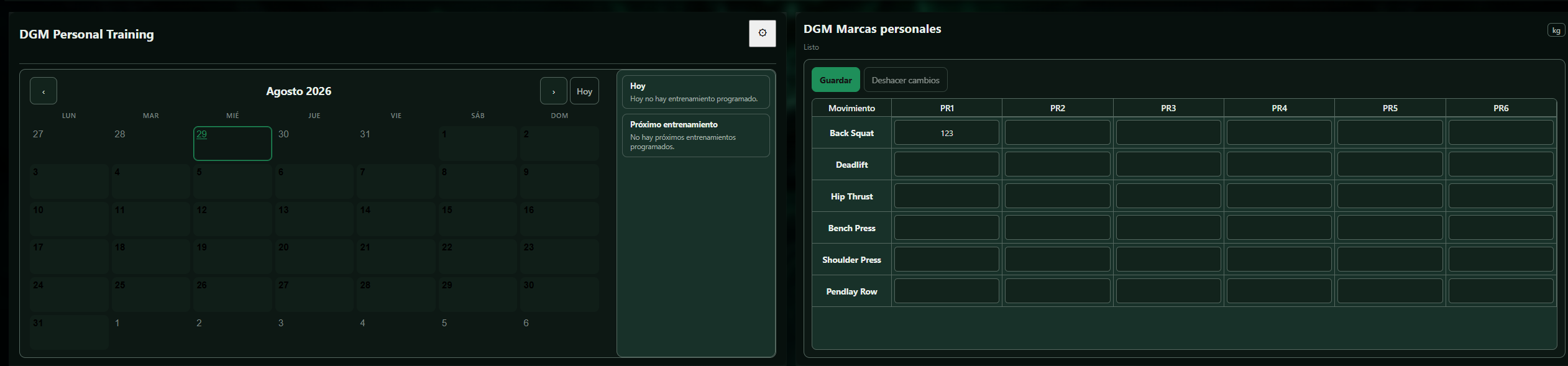
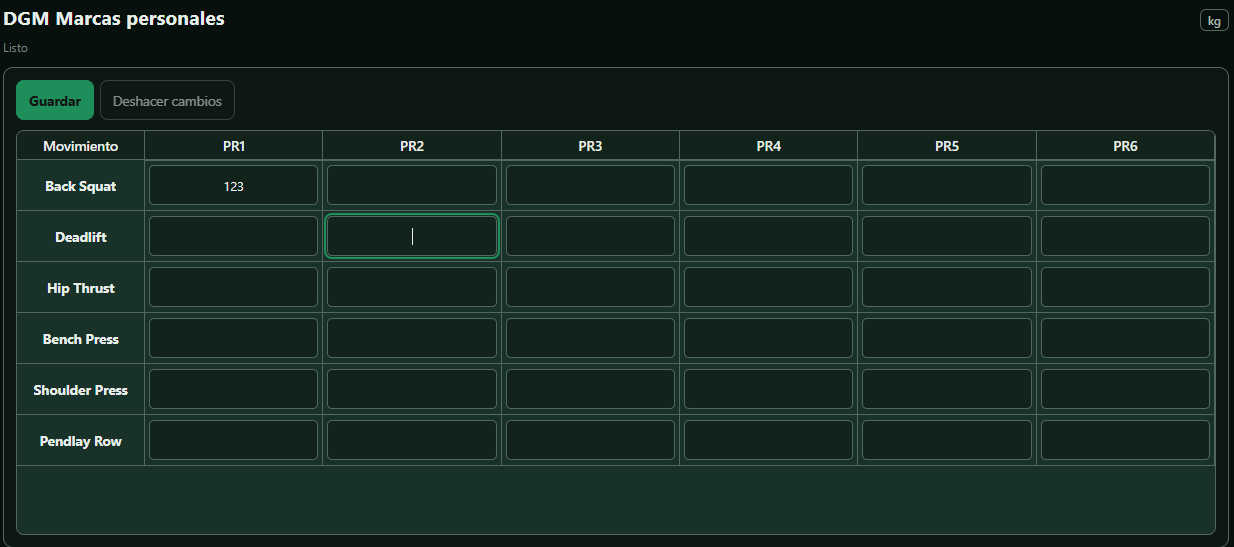
DGM Personal Records is an editable strength-tracking widget for Xenon. Record exercise names and personal bests in kilograms, update or remove entries and keep the data locally through Xenon’s official storage. It supports Spanish and English and makes no network requests.
What a widget does
A widget is a tile that lives on your dashboard grid. It runs sandboxed, with no network access unless its manifest asks for named hosts and you approve them at install.
Palette
#1ed760#0b0d12#e9edf6
Tags
Free. Copy the share code, then paste it into Xenon under Settings → Widgets & sharing → Import. Everything stays on your machine.
How to install it
- Open DGM Personal Exercise in the catalog and press Copy code.
- In Xenon, open Settings → Widgets & sharing → Import and paste the code.
- Xenon shows you what the code contains before anything is applied. Confirm, and DGM Personal Exercise is on your dashboard.
- Do not have Xenon yet? It is free, with its source on GitHub, for Windows, macOS and Linux.
At a glance
- TypeWidget
- CategoryFun
- Made byDanielGarciaMorato
- Versionv0.1.0
- NeedsAny recent Xenon
- Runs onWindows, macOS and Linux, on a second monitor, a Xeneon Edge, a tablet or a paired phone
- PriceFree
- Added2026-07-29