DGM Air Quality
Widget for Xenon, by DanielGarciaMorato
Free. Copy the share code, then paste it into Xenon under Create and share → Import. Everything stays on your machine.
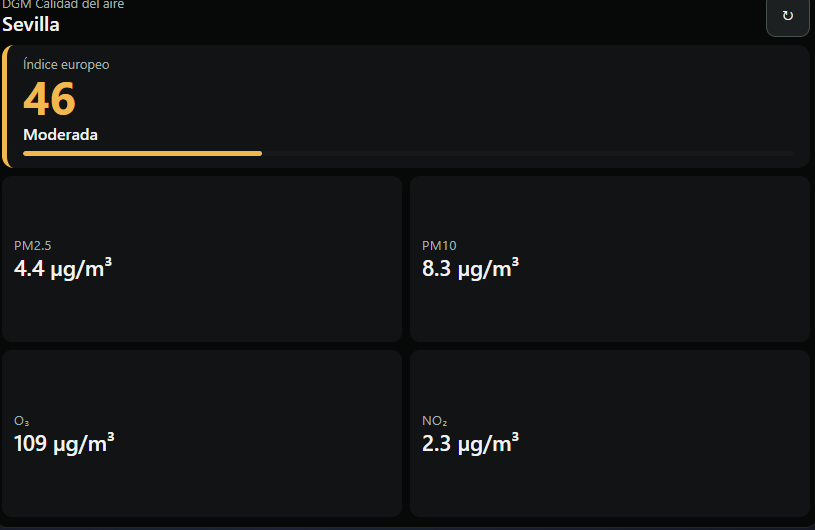
DGM Air Quality shows the European Air Quality Index and concentrations of PM2.5, PM10, ozone and nitrogen dioxide for the city shared by DGM Current Weather. It uses Open-Meteo, supports Spanish and English, and pauses network activity when the widget is not visible.
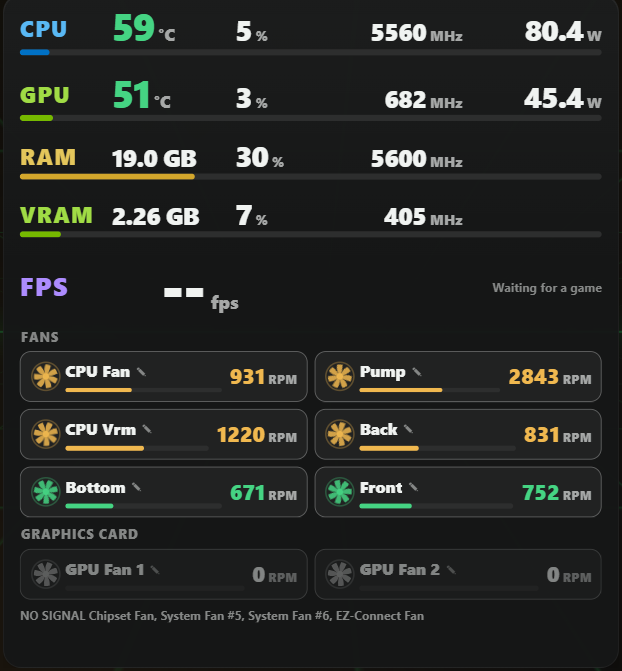
This one asks a little more of the machine than most, which is worth knowing before you load it onto a small screen.
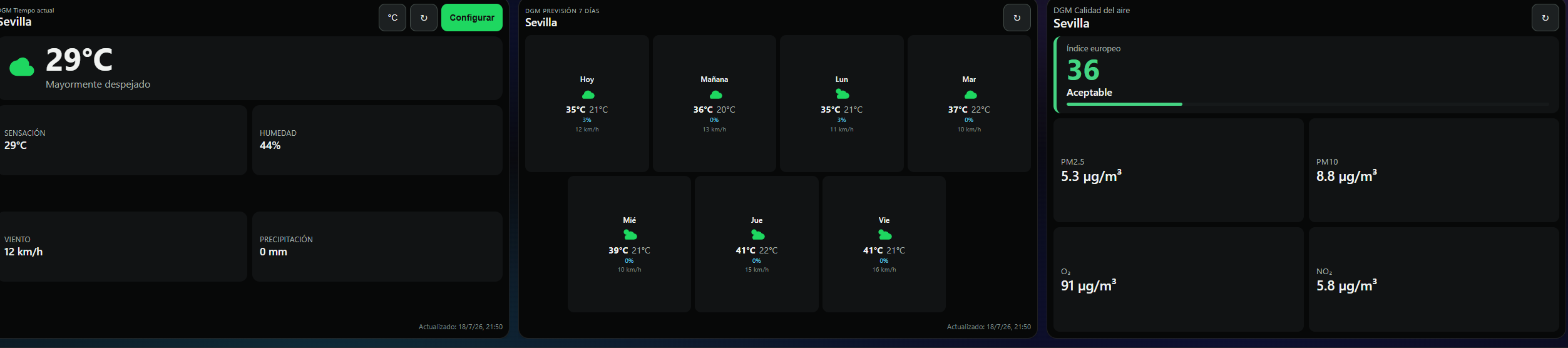
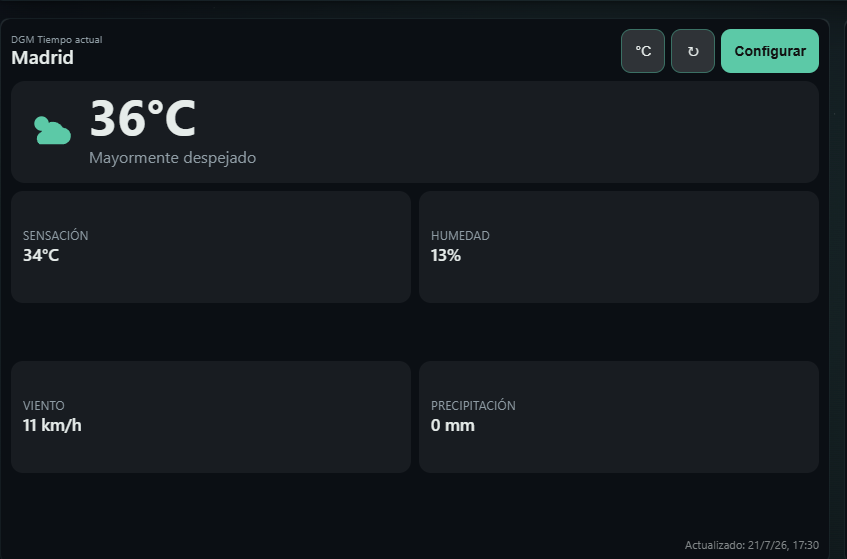
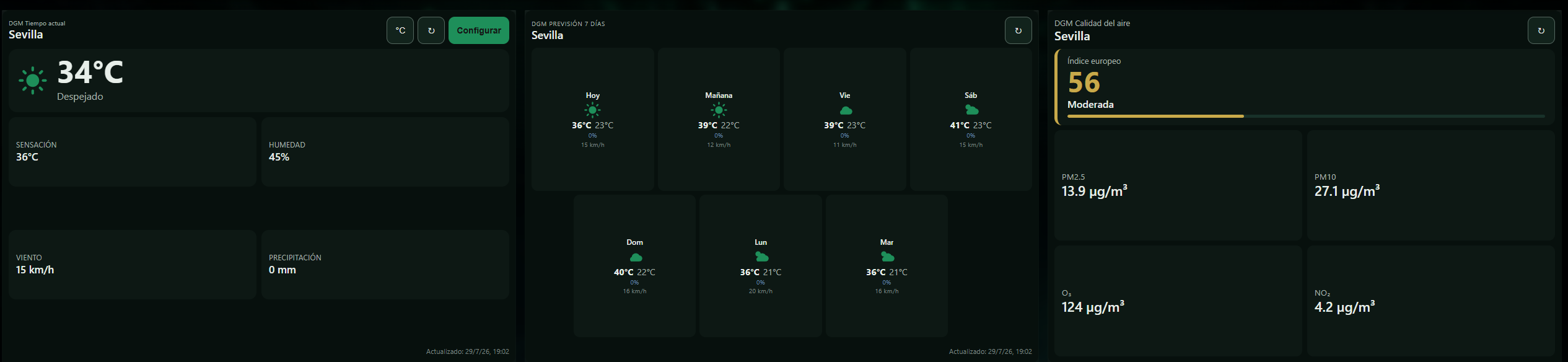
What's in it
Improved Xenon visibility handling, pausing updates while the widget is off-page or hidden and retaining compatibility with older hosts.
What a widget does
A widget is a tile you place where you want it in Xenon. It runs sandboxed, with no network access unless its manifest asks for named hosts and you approve them at install.
Palette
How to install it
- Open DGM Air Quality in the catalog and press Copy code.
- In Xenon, open Create and share → Import and paste the code.
- Xenon shows you what the code contains before anything is applied. Confirm, and DGM Air Quality is in Xenon.
- Do not have Xenon yet? It is free, with its source on GitHub, for Windows, with macOS and Linux in beta.