
Widget
Map Explorer
Widget for the Xenon dashboard, by DanielGarciaMorato
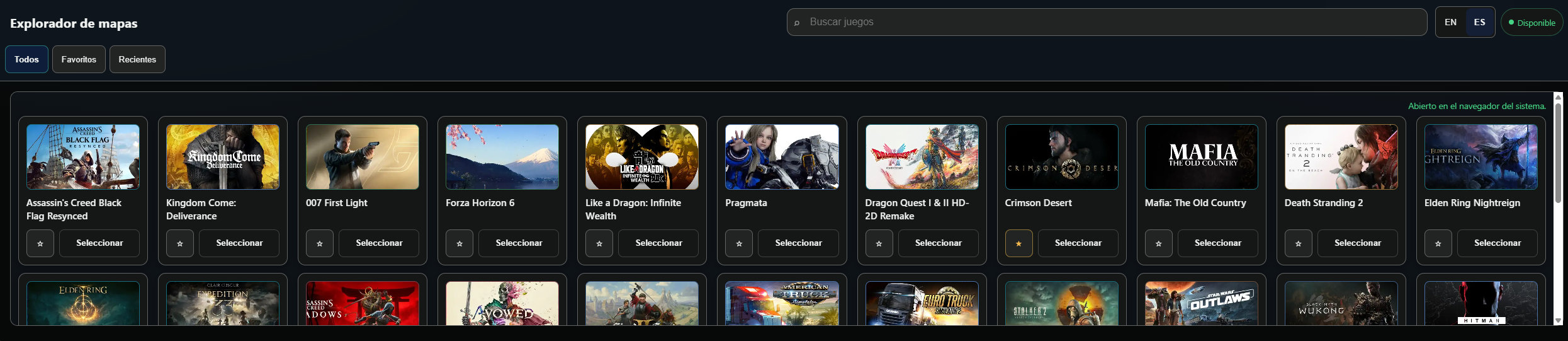
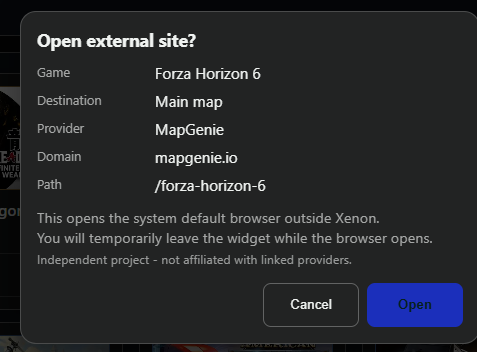
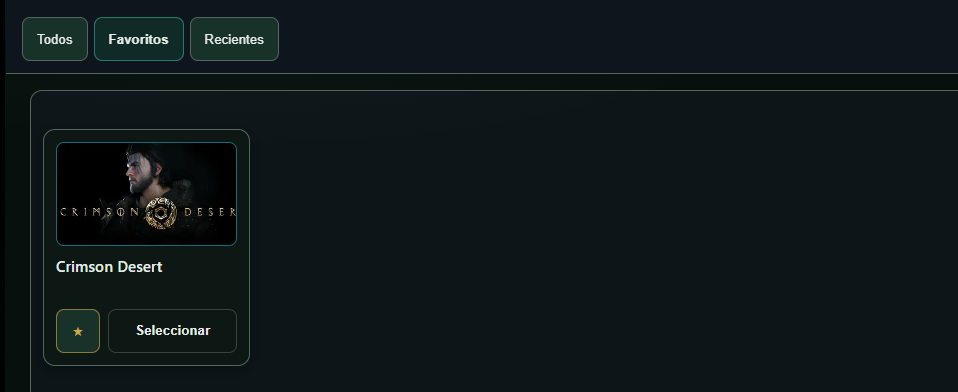
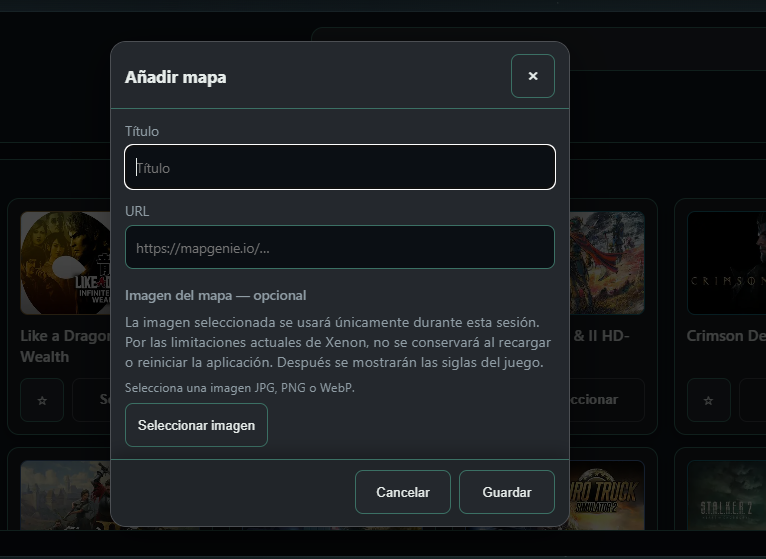
DGM Map Explorer is a responsive visual catalogue for opening external video game maps from Xenon. It includes built-in games, persistent custom entries, favorites and recent items, optional session-only images, and safe opening through Xenon Browser with a controlled system-browser fallback.
What's in it
Added persistent custom map entries, optional session-only images, Xenon Browser opening, improved visibility handling and a responsive custom-card layout.
What a widget does
A widget is a tile that lives on your dashboard grid. It runs sandboxed, with no network access unless its manifest asks for named hosts and you approve them at install.
Palette
Tags
This one asks a little more of the machine than most, which is worth knowing before you load it onto a small screen.
Free. Copy the share code, then paste it into Xenon under Settings → Widgets & sharing → Import. Everything stays on your machine.
How to install it
- Open Map Explorer in the catalog and press Copy code.
- In Xenon, open Settings → Widgets & sharing → Import and paste the code.
- Xenon shows you what the code contains before anything is applied. Confirm, and Map Explorer is on your dashboard.
- This one needs Xenon 4.6.0 or later. An older install refuses the code rather than importing half of it.
At a glance
- TypeWidget
- CategoryMedia
- Made byDanielGarciaMorato
- Versionv0.8.1
- NeedsXenon 4.6.0 or later
- Runs onWindows, macOS and Linux, on a second monitor, a Xeneon Edge, a tablet or a paired phone
- PriceFree
- Added2026-07-29