
Supporters
Wall Plate
Widget for the Xenon dashboard, by xenon
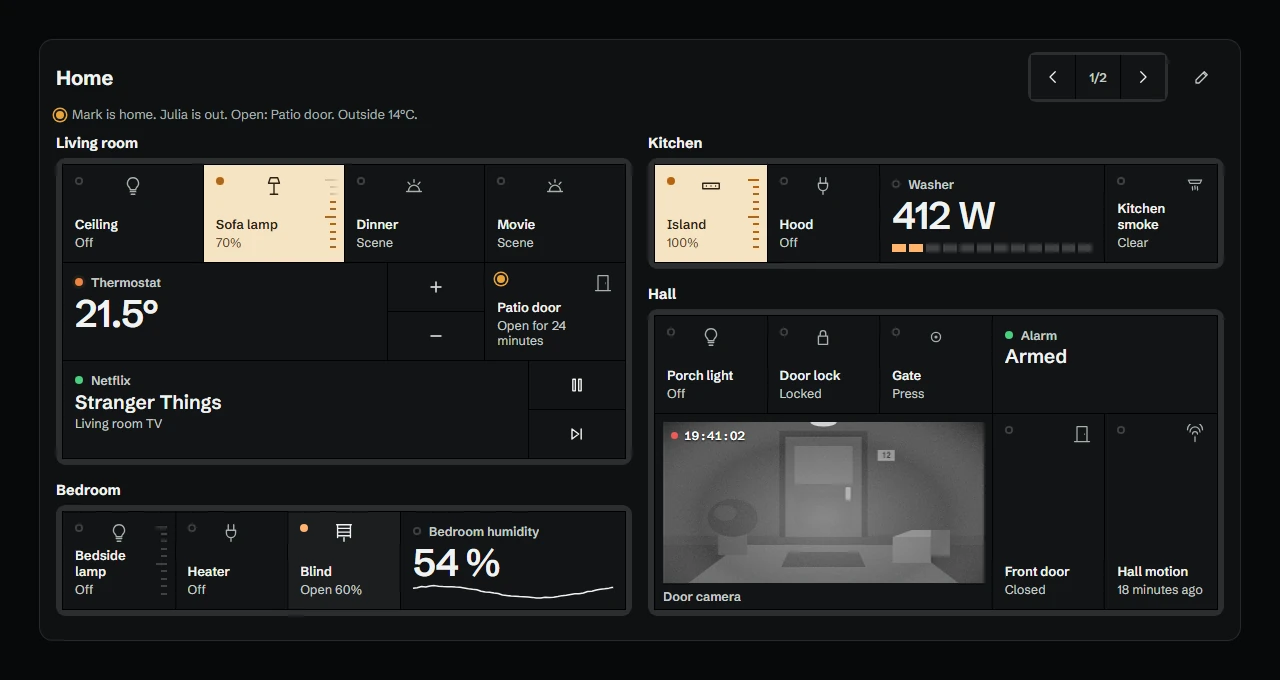
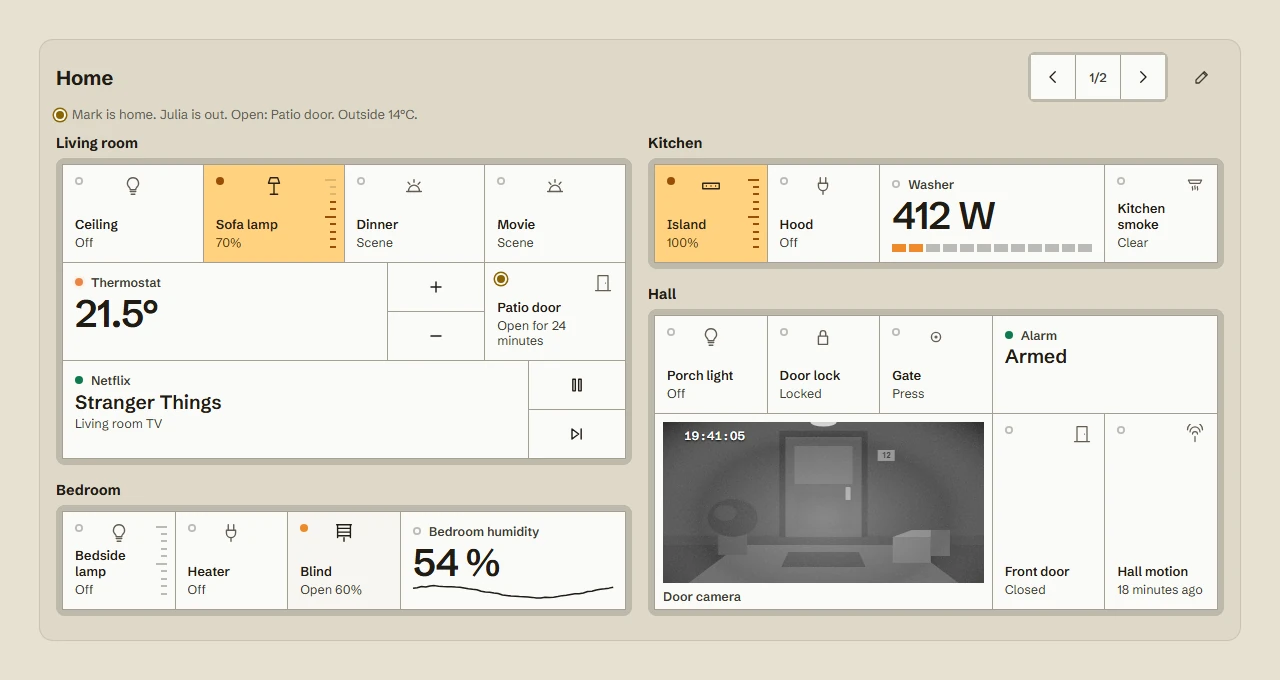
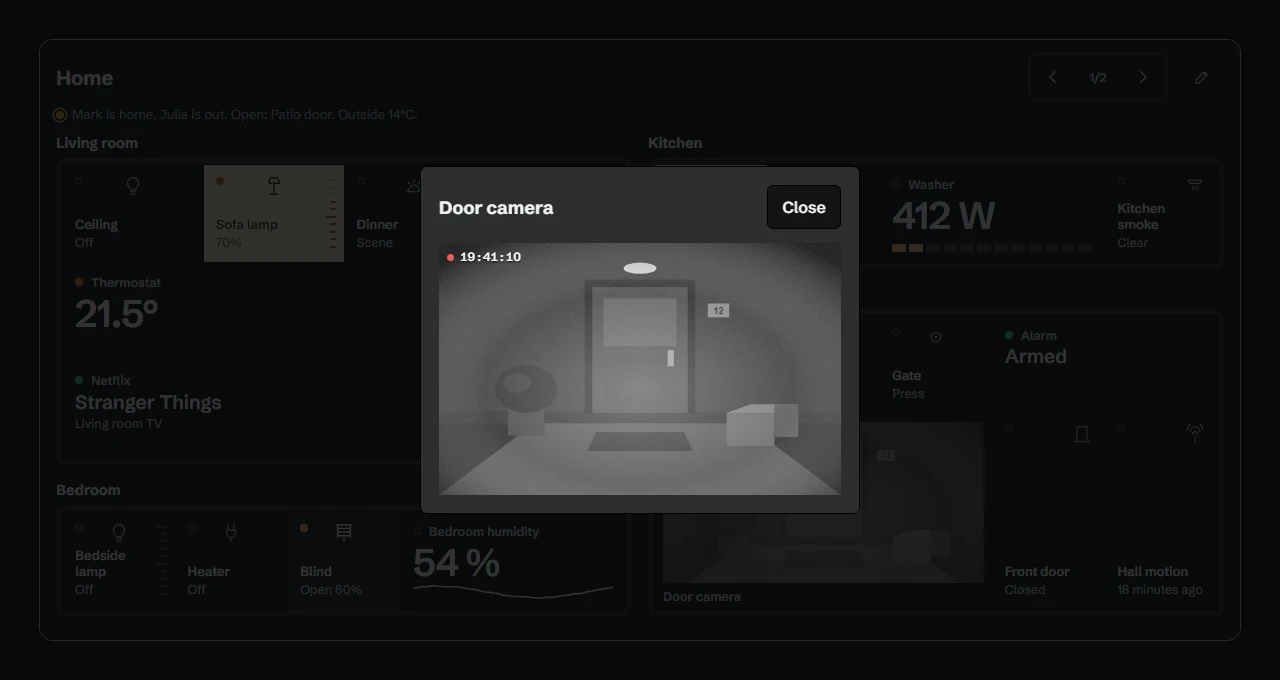
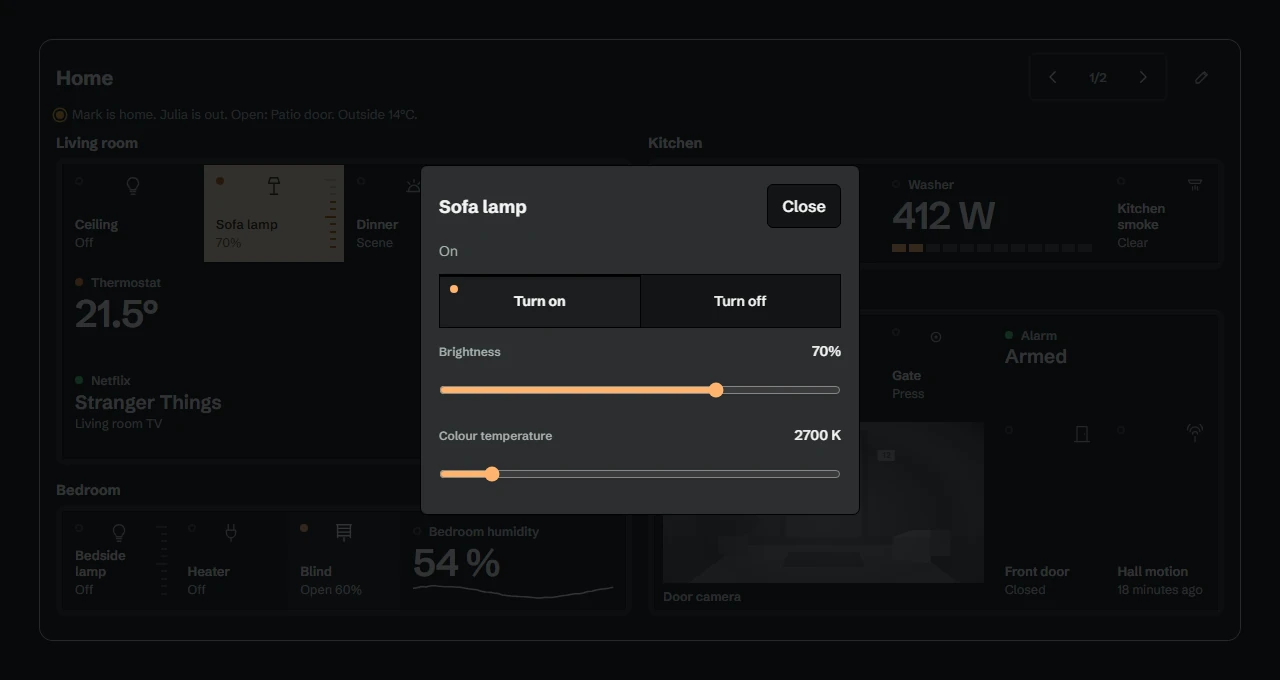
Your Home Assistant devices as wall plates. Tap a key to switch, drag a dimmer, hold any module for its full controls. Thermostats, energy, 24 hour traces, cameras and media; each copy keeps its own layout. Smoke, a leak, a triggered alarm or a door left open also show in the top bar.
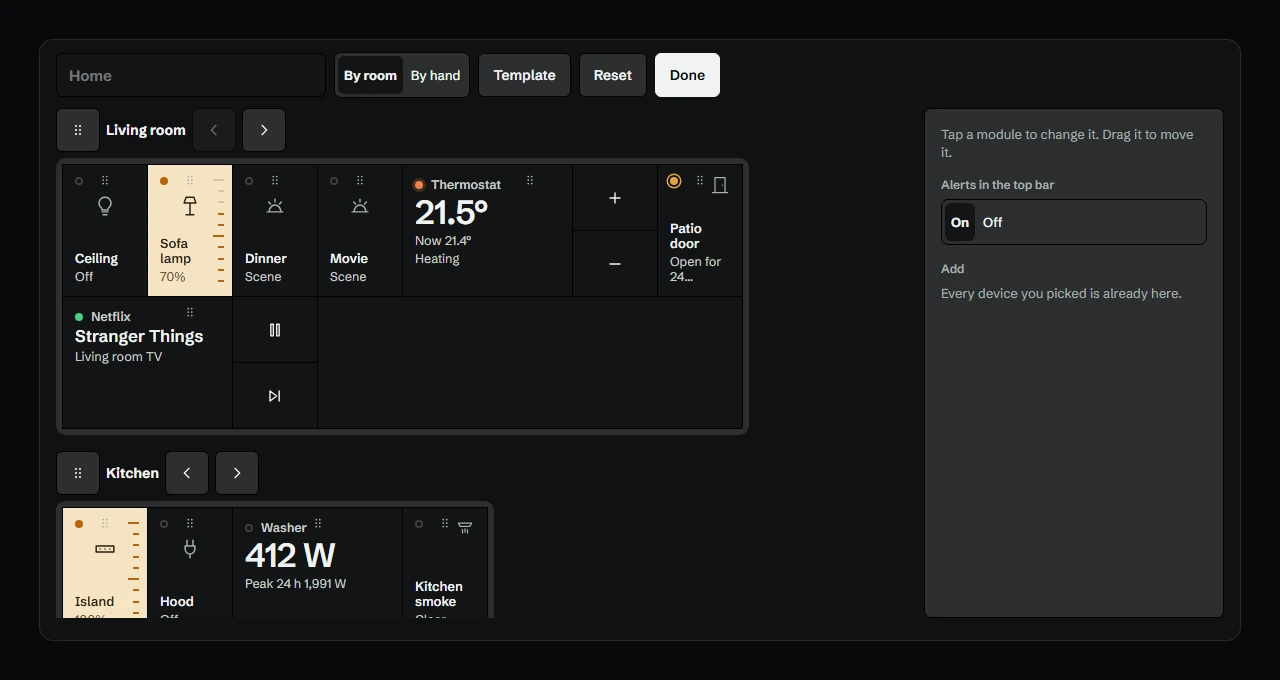
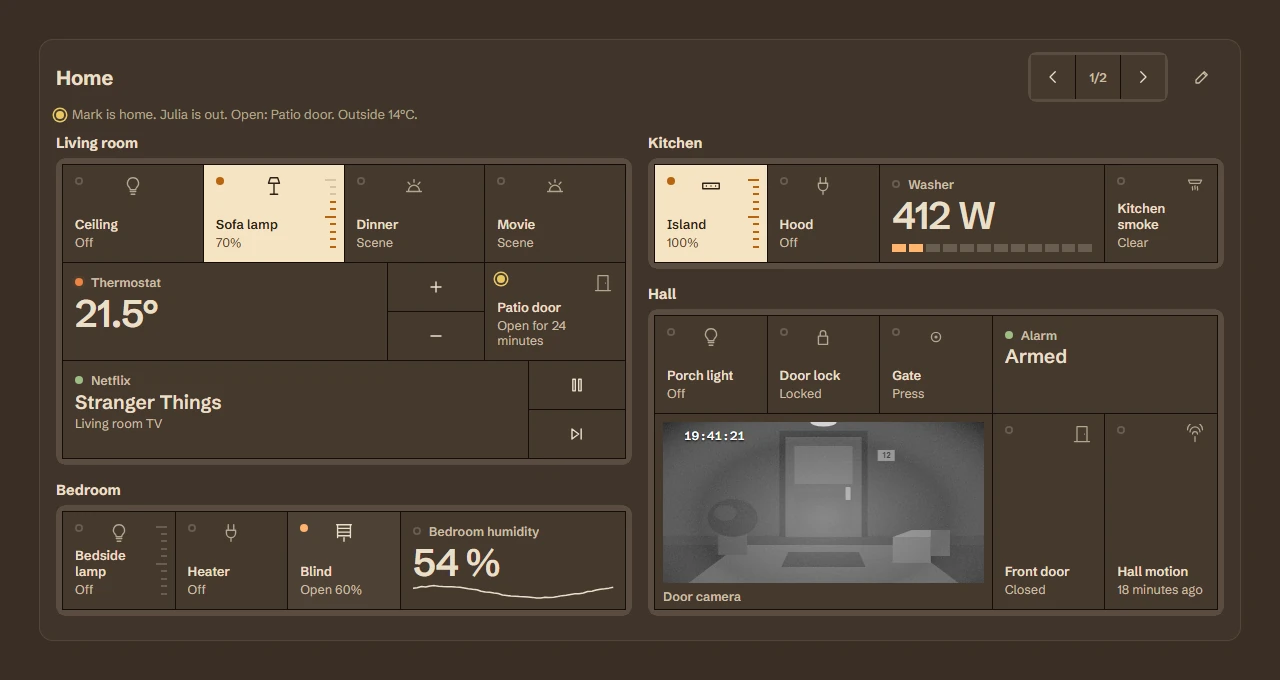
What a widget does
A widget is a tile that lives on your dashboard grid. It runs sandboxed, with no network access unless its manifest asks for named hosts and you approve them at install.
Palette
#FFB36E#141617#E8EAE7
Tags
A supporters' item. Unlock it in the catalog, then paste the code into Xenon under Settings → Widgets & sharing → Import.
How to install it
- Open Wall Plate in the catalog and unlock it with your supporter code. One code unlocks it on up to three machines.
- In Xenon, open Settings → Widgets & sharing → Import and paste the code.
- Xenon shows you what the code contains before anything is applied. Confirm, and Wall Plate is on your dashboard.
- This one needs Xenon 4.11.13 or later. An older install refuses the code rather than importing half of it.
At a glance
- TypeWidget
- CategorySmart home
- Made byxenon
- Versionv1.0.1
- NeedsXenon 4.11.13 or later
- Runs onWindows, macOS and Linux, on a second monitor, a Xeneon Edge, a tablet or a paired phone
- PriceSupporters
- Added2026-10-16