
Widget
TGK - Workstation Monitor
Widget for the Xenon dashboard, by The.GothamKnight
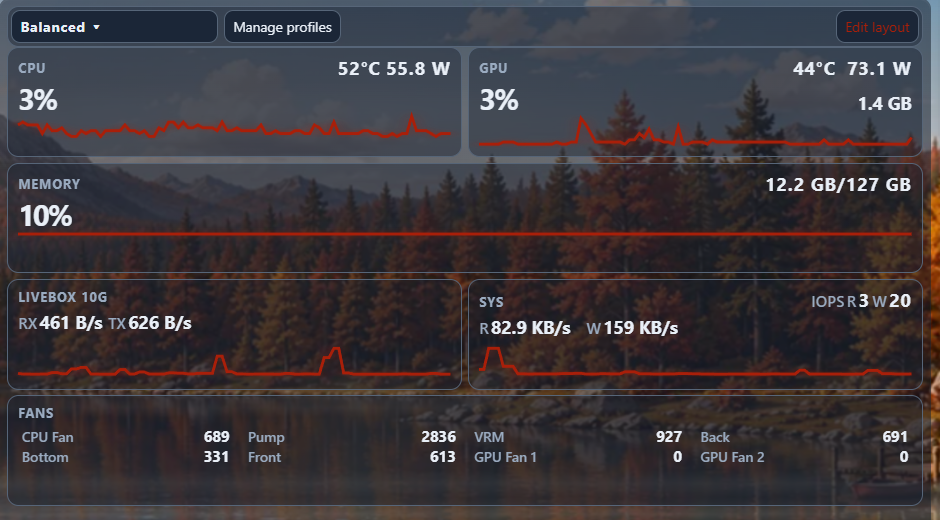
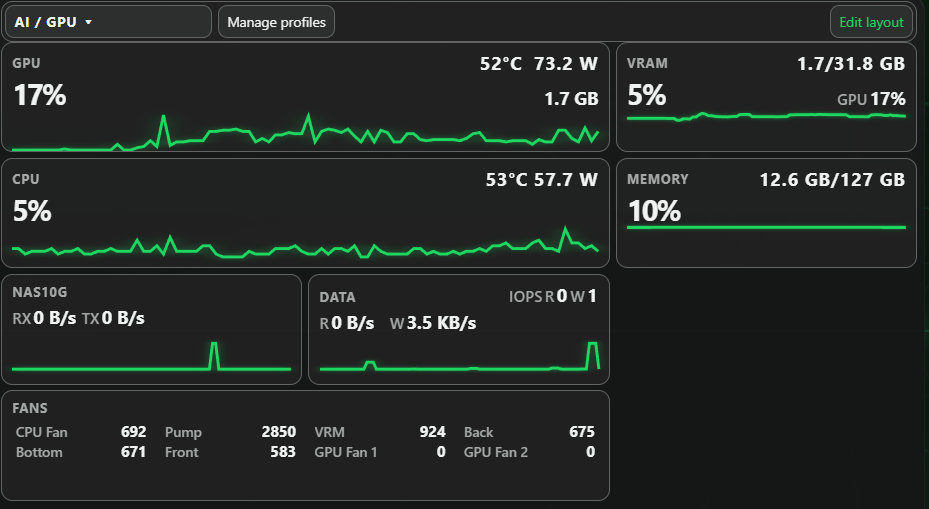
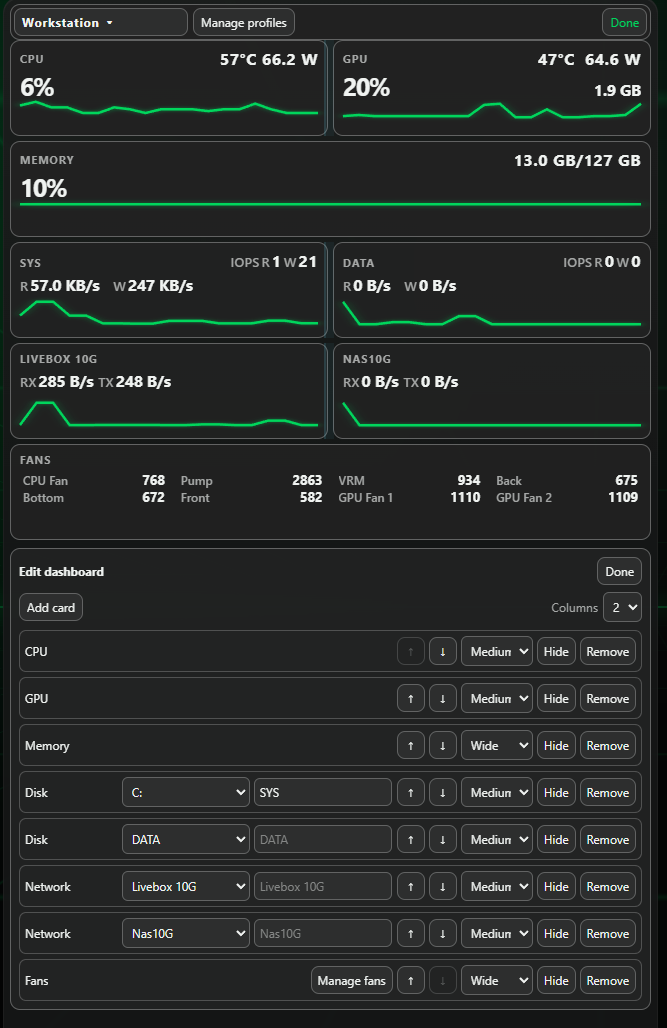
Real-time CPU, GPU, VRAM, memory, fan, network and disk monitoring. Includes customizable profiles, layouts, templates, synchronized graphs and per-profile fan configuration. Auto expanding rows, 1-4 colums, widgets size : 1x1 and 2x1. Uses Xenon native system data, follows Xenon sensor refresh rate
What's in it
Fixed lost customizations after a xenon language change.
What a widget does
A widget is a tile that lives on your dashboard grid. It runs sandboxed, with no network access unless its manifest asks for named hosts and you approve them at install.
Palette
#1ed760#0b0d12#e9edf6
Tags
Free. Copy the share code, then paste it into Xenon under Settings → Widgets & sharing → Import. Everything stays on your machine.
How to install it
- Open TGK - Workstation Monitor in the catalog and press Copy code.
- In Xenon, open Settings → Widgets & sharing → Import and paste the code.
- Xenon shows you what the code contains before anything is applied. Confirm, and TGK - Workstation Monitor is on your dashboard.
- This one needs Xenon 4.11.9 or later. An older install refuses the code rather than importing half of it.
At a glance
- TypeWidget
- CategorySystem
- Made byThe.GothamKnight (supporter)
- Versionv1.0.1
- NeedsXenon 4.11.9 or later
- Runs onWindows, macOS and Linux, on a second monitor, a Xeneon Edge, a tablet or a paired phone
- PriceFree
- Added2026-09-26