
Widget
Workload
Widget for the Xenon dashboard, by Xenon
Which apps are using this PC right now: CPU, memory and GPU per app, in one sortable list. Tap a column header to rank by it. Takes its colours, its panel opacity and its shape language from whatever theme and skin you are running, Liquid Glass or Pixel Retro, light or dark.
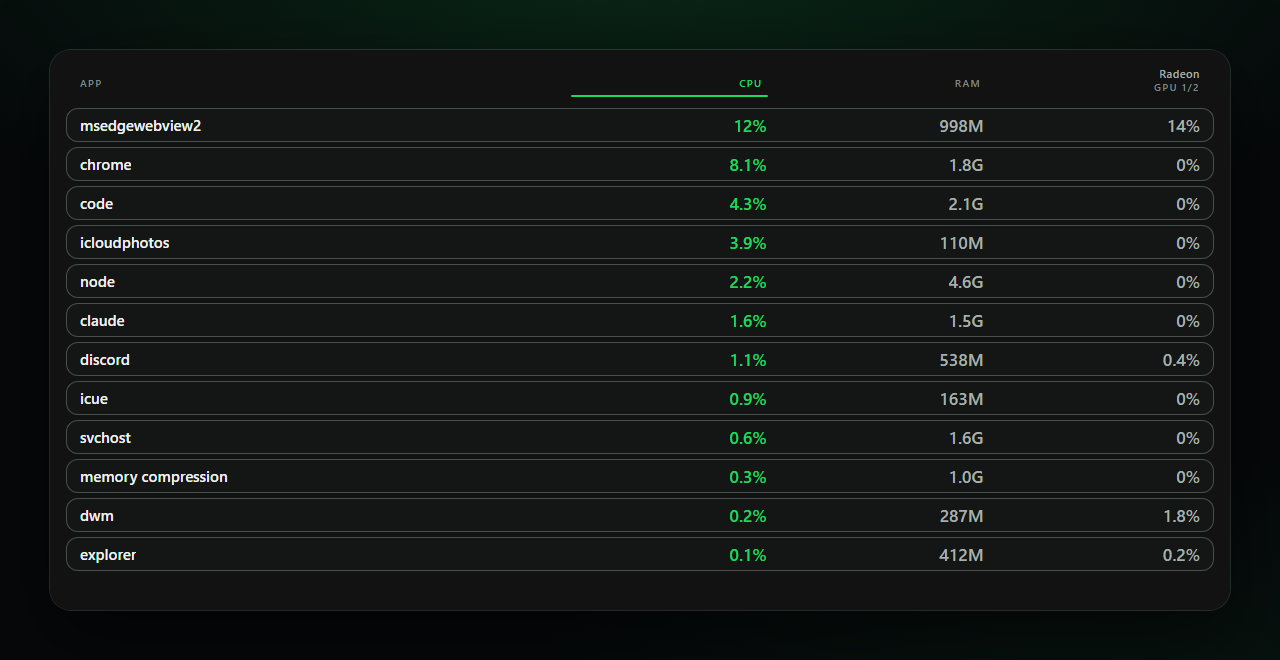
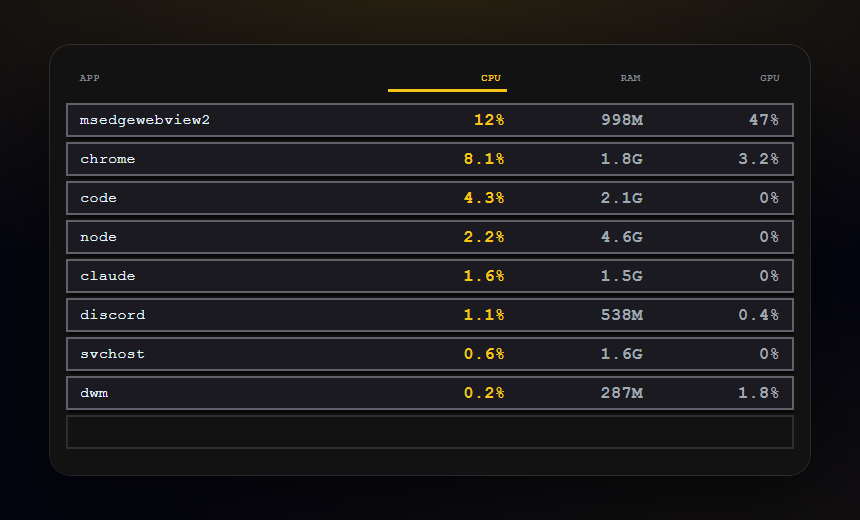
What a widget does
A widget is a tile that lives on your dashboard grid. It runs sandboxed, with no network access unless its manifest asks for named hosts and you approve them at install.
Palette
#1ed760#070808#f0f3f1
Tags
Free. Copy the share code, then paste it into Xenon under Settings → Widgets & sharing → Import. Everything stays on your machine.
How to install it
- Open Workload in the catalog and press Copy code.
- In Xenon, open Settings → Widgets & sharing → Import and paste the code.
- Xenon shows you what the code contains before anything is applied. Confirm, and Workload is on your dashboard.
- This one needs Xenon 4.11.0 or later. An older install refuses the code rather than importing half of it.
At a glance
- TypeWidget
- CategorySystem
- Made byXenon (supporter)
- Versionv1.0.0
- NeedsXenon 4.11.0 or later
- Runs onWindows, macOS and Linux, on a second monitor, a Xeneon Edge, a tablet or a paired phone
- PriceFree
- Added2026-09-28