Xenon 5.0
A new look, widgets on the screen you already have, FPS and Instant Replay in the same app, and Bit, an AI that builds widgets for you.
Free, no account. Windows 10 and 11, with macOS and Linux in beta.
What's new in 5.0
Xenon on your main screen
Widgets on the desktop or over any app, with no second monitor.
You choose when you see it
Each widget shows always, on the desktop, in game or over one app. Drag it on the map of your screens, even to another monitor.
Game performance
FPS, 1% lows and frame time over the game you are playing, with CPU, GPU, ping and packet loss. Lows and frame time are on Windows, FPS on Linux too.
Screenshots, video and Instant Replay
Xenon captures the screen by itself, on any graphics card, and saves the last seconds of what you just played.
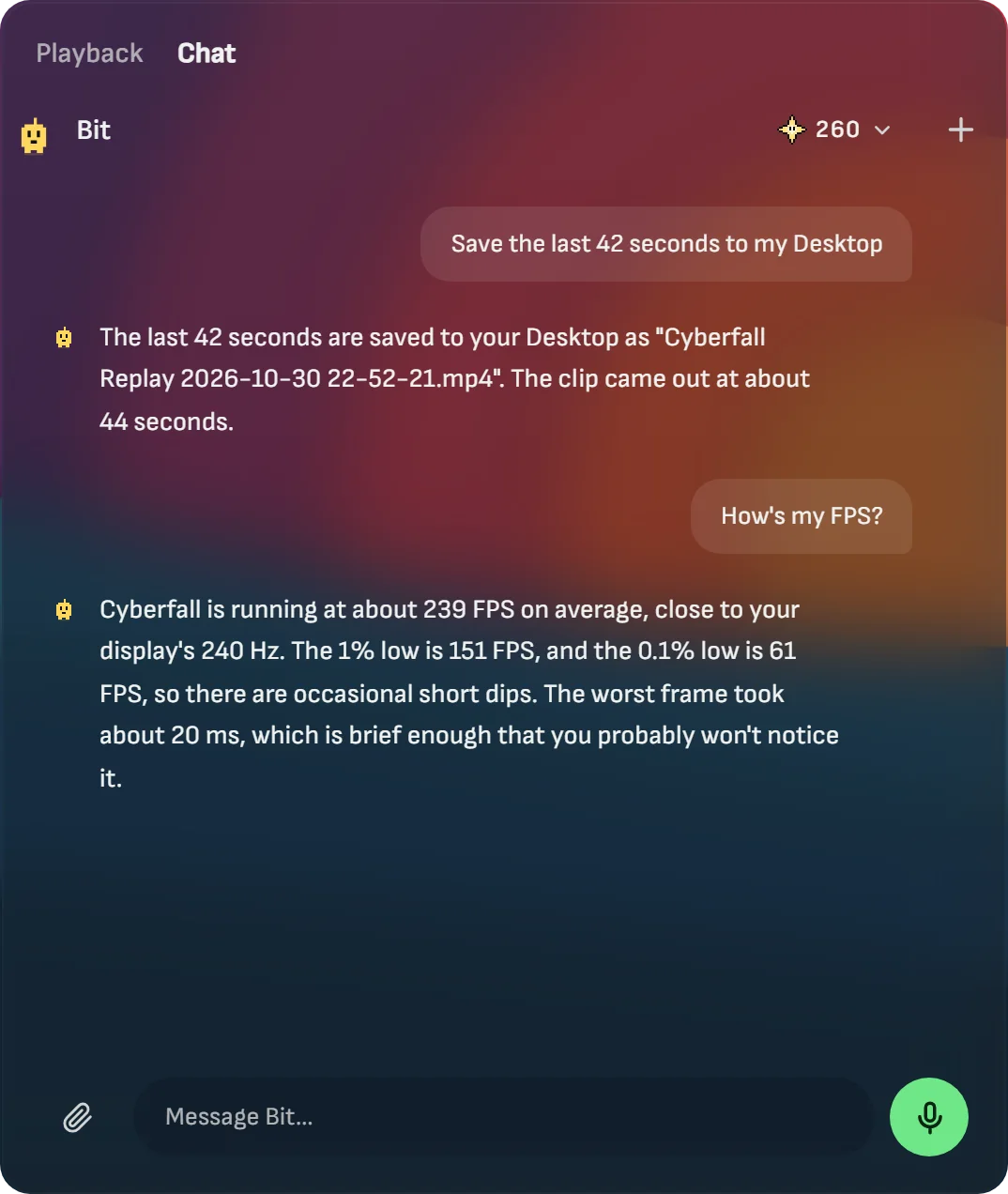
Bit, Xenon's AI
Ask for a widget, a theme or a scene and Bit builds it. It runs on Sparks, Xenon's own credits, so you need no API key.
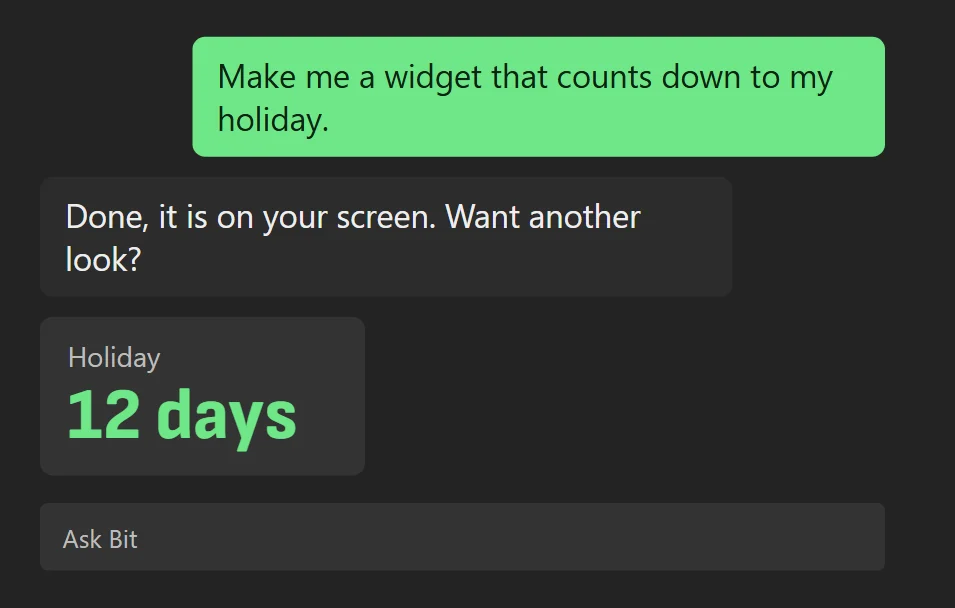
Xenon Maker
Build widgets, themes and scenes on xenon-app.com without code. Free to try. Supporters save, export and install.
Supporters
5 USD a month opens the supporter drops and adds 300 Sparks every month. Try the drops free for 7 days.
What else is new
- Widgets and pages that appear only when you need them
- Deck keys on your screen, and more kinds of keys
- The battery of your wireless mouse, keyboard and earbuds
- Set each fan and LED of your lights
- Chat with Bit from the search bar
- Your Ambient scene as wallpaper or screensaver
- Bit asks when it is not sure
- A new Store, and Settings at full screen
On Mac and Linux, widgets on the screen and capture are in beta. Every change, version by version, is in the release notes.
Download Xenon 5.0
Free, no account, and it updates itself after this.
Windows
Windows 10 or 11, 64-bit. Installs the app and starts it at login.
Download for Windows Xenon-Setup-x64.exe
macOSBeta
macOS 11 or later. Apple Silicon and Intel in one file.
Download for macOS Xenon-macOS-universal.dmg Linux