Cats
Background for Xenon, by spamer7777-lgtm
Free. Copy the share code, then paste it into Xenon under Create and share → Import. Everything stays on your machine.

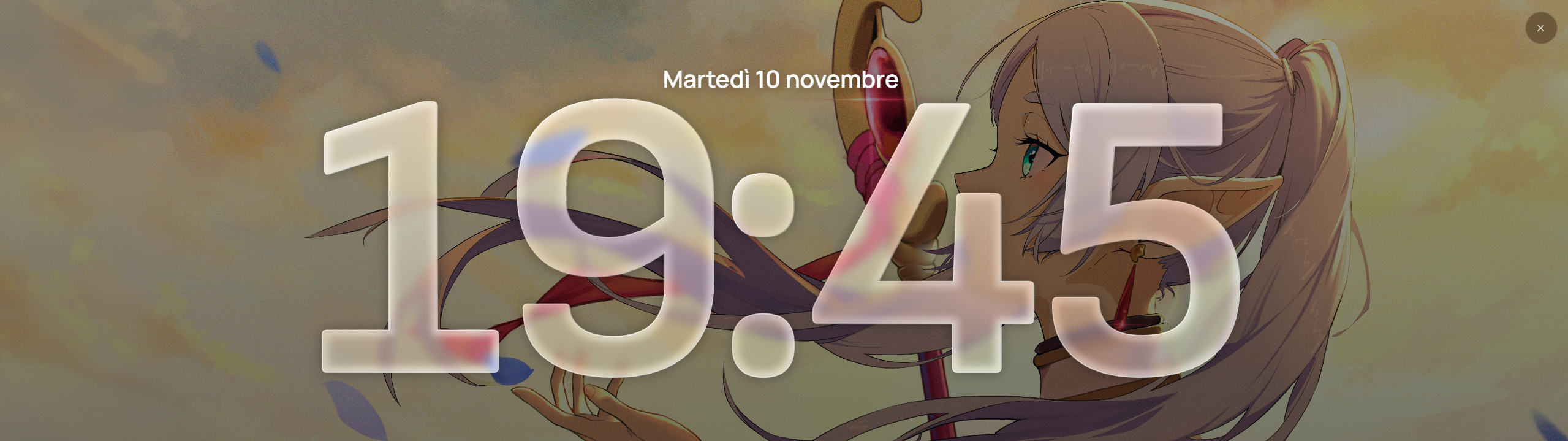
A cozy pastel room full of adorable cats, with floating hearts and soft sparkles drifting over the scene. Cute and sweet.
This one asks a little more of the machine than most, which is worth knowing before you load it onto a small screen.
What a background does
A background replaces Xenon's backdrop with an animated scene that draws behind your widgets. It runs locally on your own machine, with no video file to download.
How to install it
- Open Cats in the catalog and press Copy code.
- In Xenon, open Create and share → Import and paste the code.
- Xenon shows you what the code contains before anything is applied. Confirm, and Cats is in Xenon.
- Do not have Xenon yet? It is free, with its source on GitHub, for Windows, with macOS and Linux in beta.