Frieren ispired Bundle
Package for Xenon, by Clarette
Free. Copy the share code, then paste it into Xenon under Settings → Widgets & sharing → Import. Everything stays on your machine.
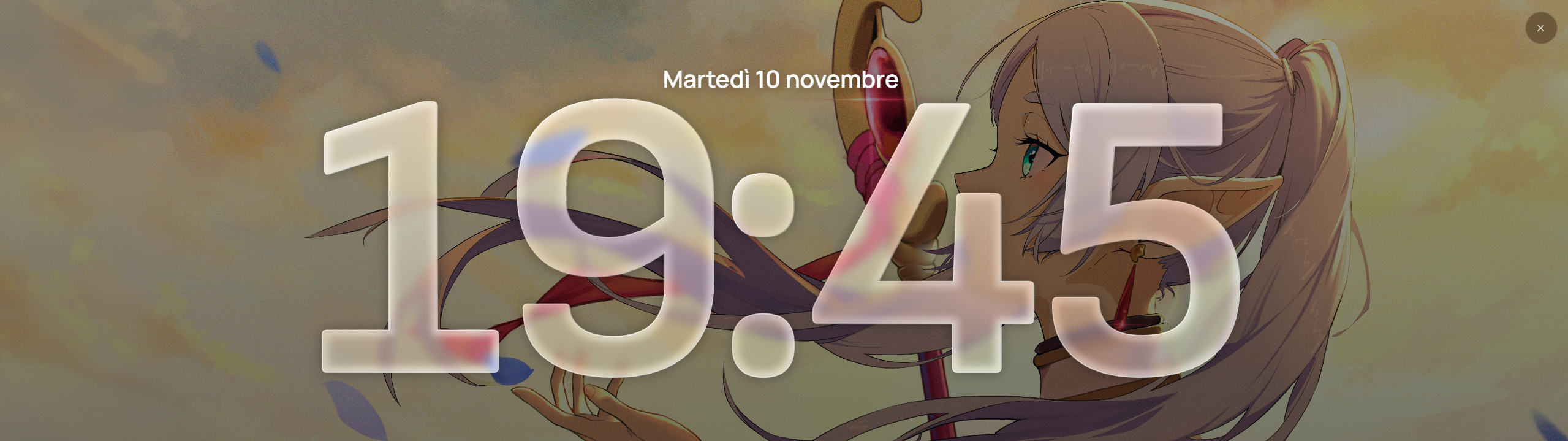
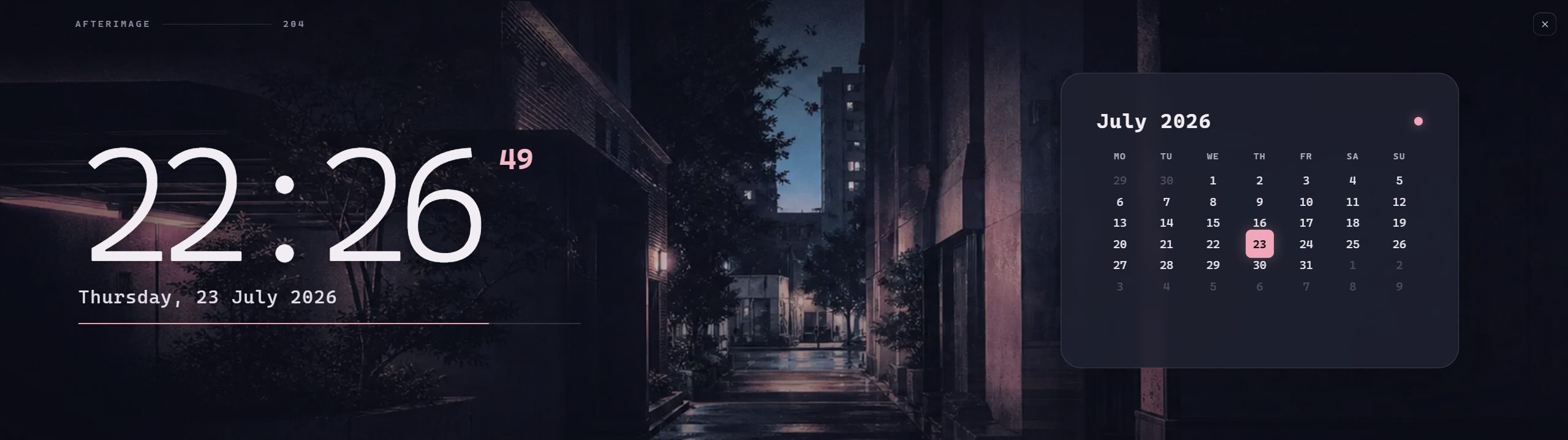
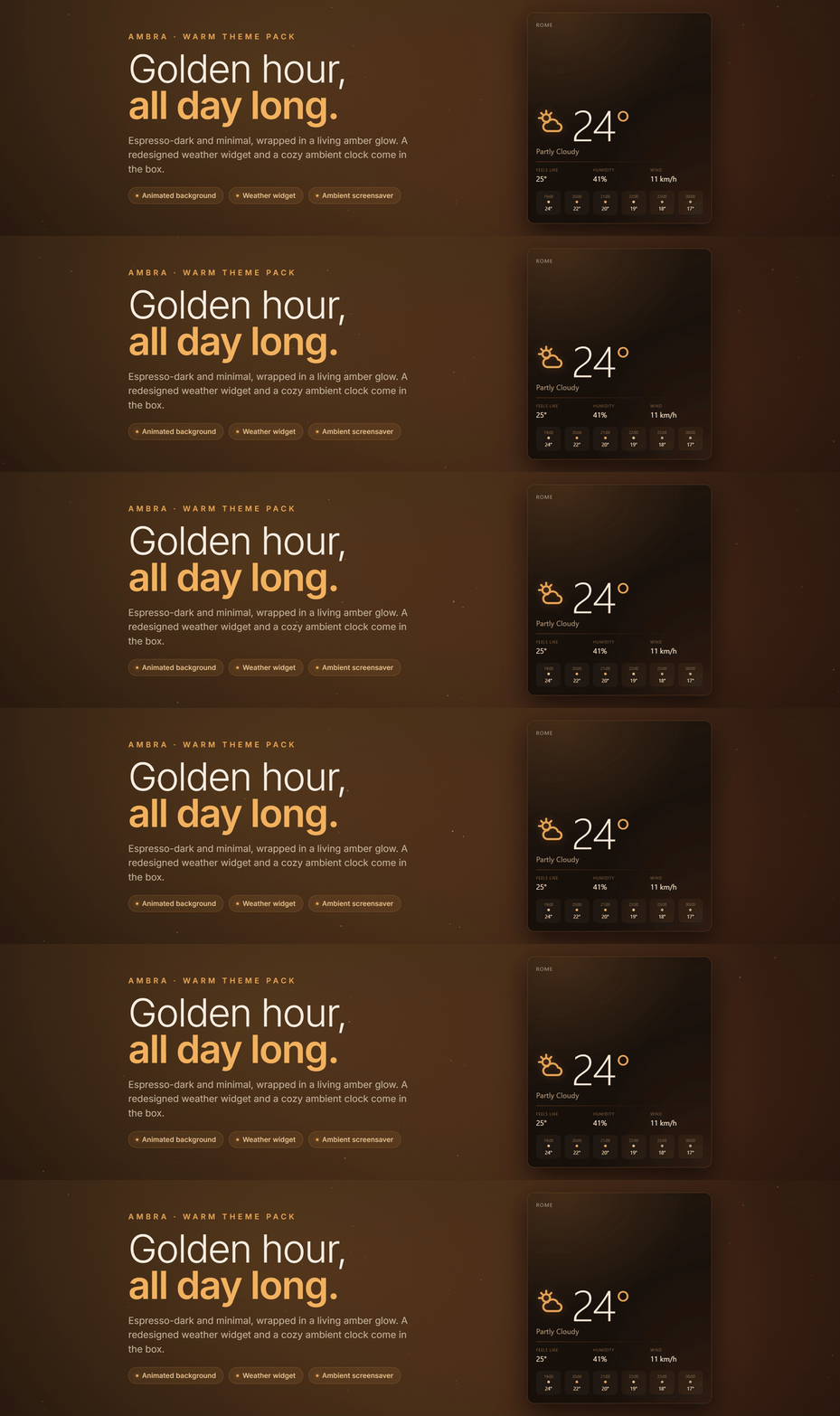
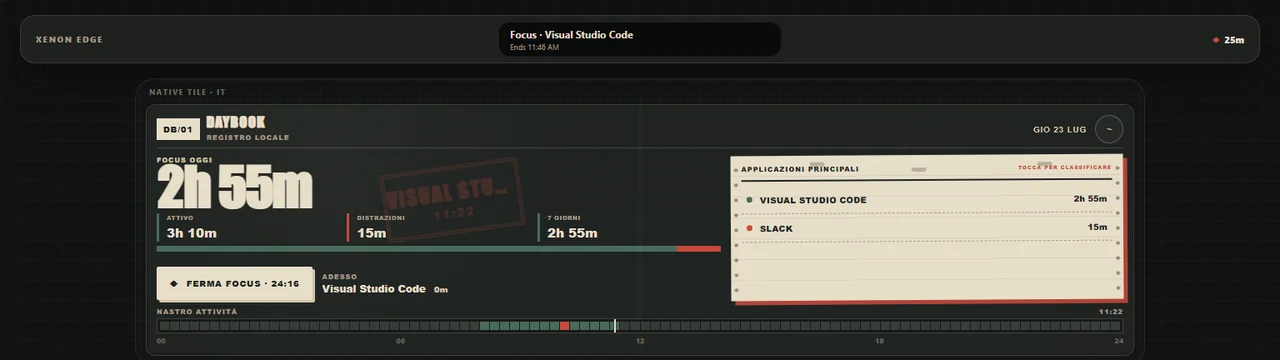
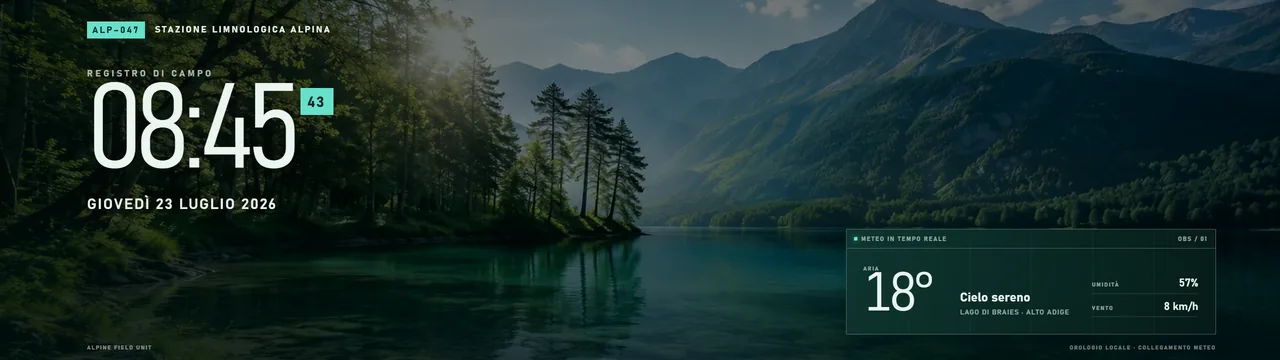
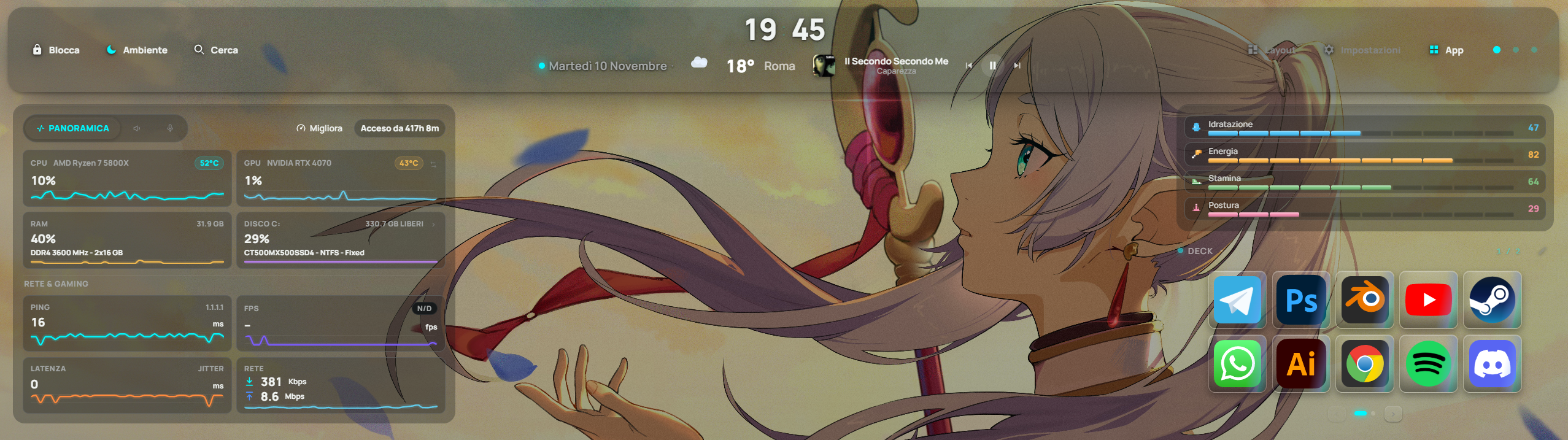
A Frieren-inspired theme featuring liquid glass-style windows and a deck designed for creative productivity and gaming. Includes a dedicated page for PC performance monitoring, system vitals, and deck controls; a dashboard with weather, calendar, and notes; and a page for music playback controls and Discord integration.
What a package does
A package installs several pieces at once, usually a theme, a background and one or more widgets built to look like each other, so the whole look changes in one paste.
Palette
#00f8ff#070808#ffffff
How to install it
- Open Frieren ispired Bundle in the catalog and press Copy code.
- In Xenon, open Settings → Widgets & sharing → Import and paste the code.
- Xenon shows you what the code contains before anything is applied. Confirm, and Frieren ispired Bundle is in Xenon.
- Do not have Xenon yet? It is free, with its source on GitHub, for Windows, with macOS and Linux in beta.