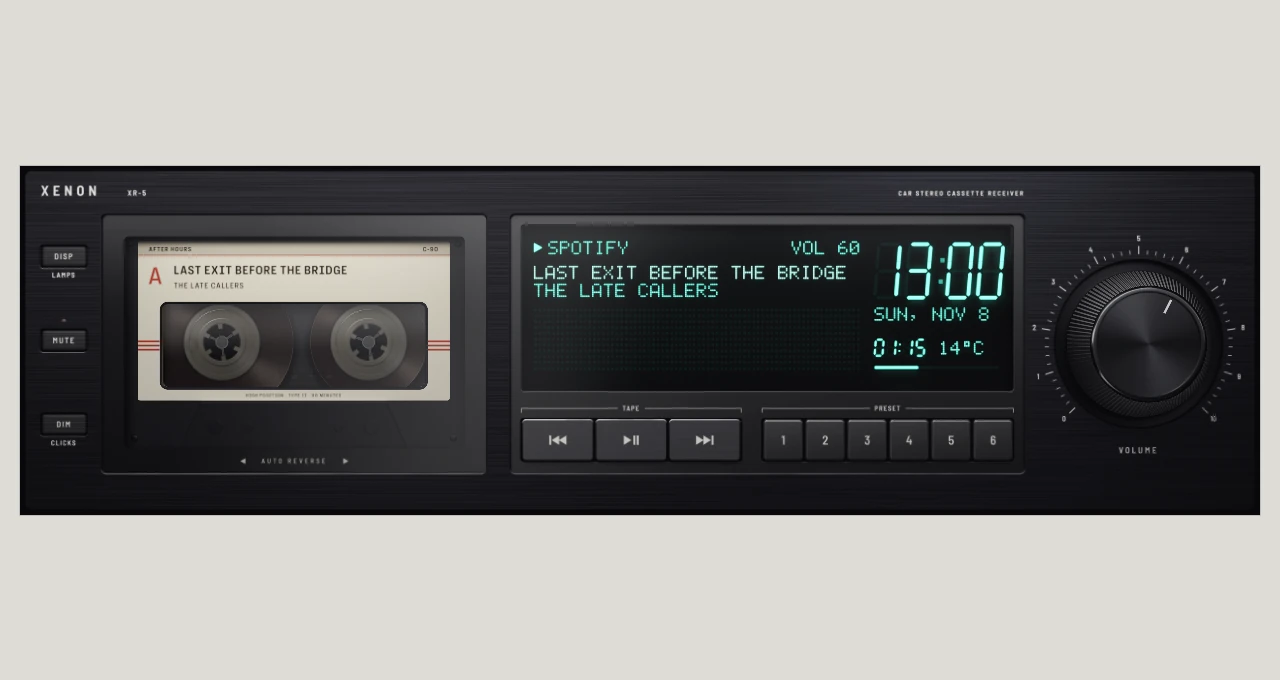
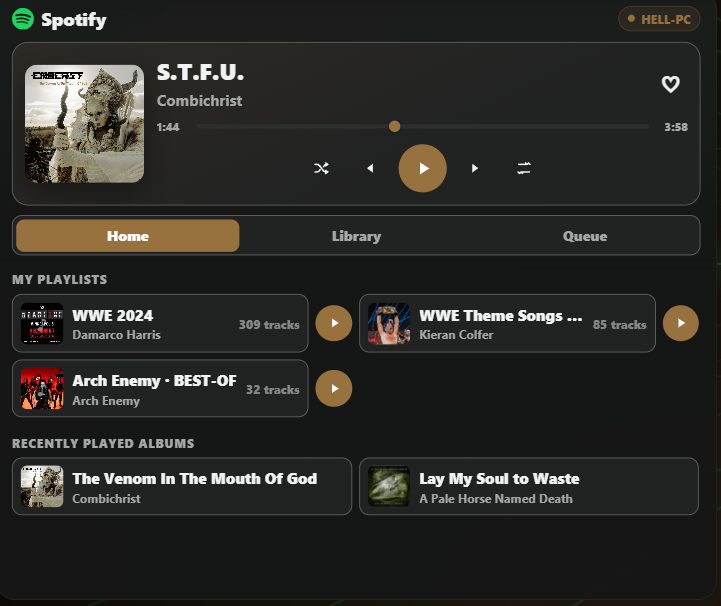
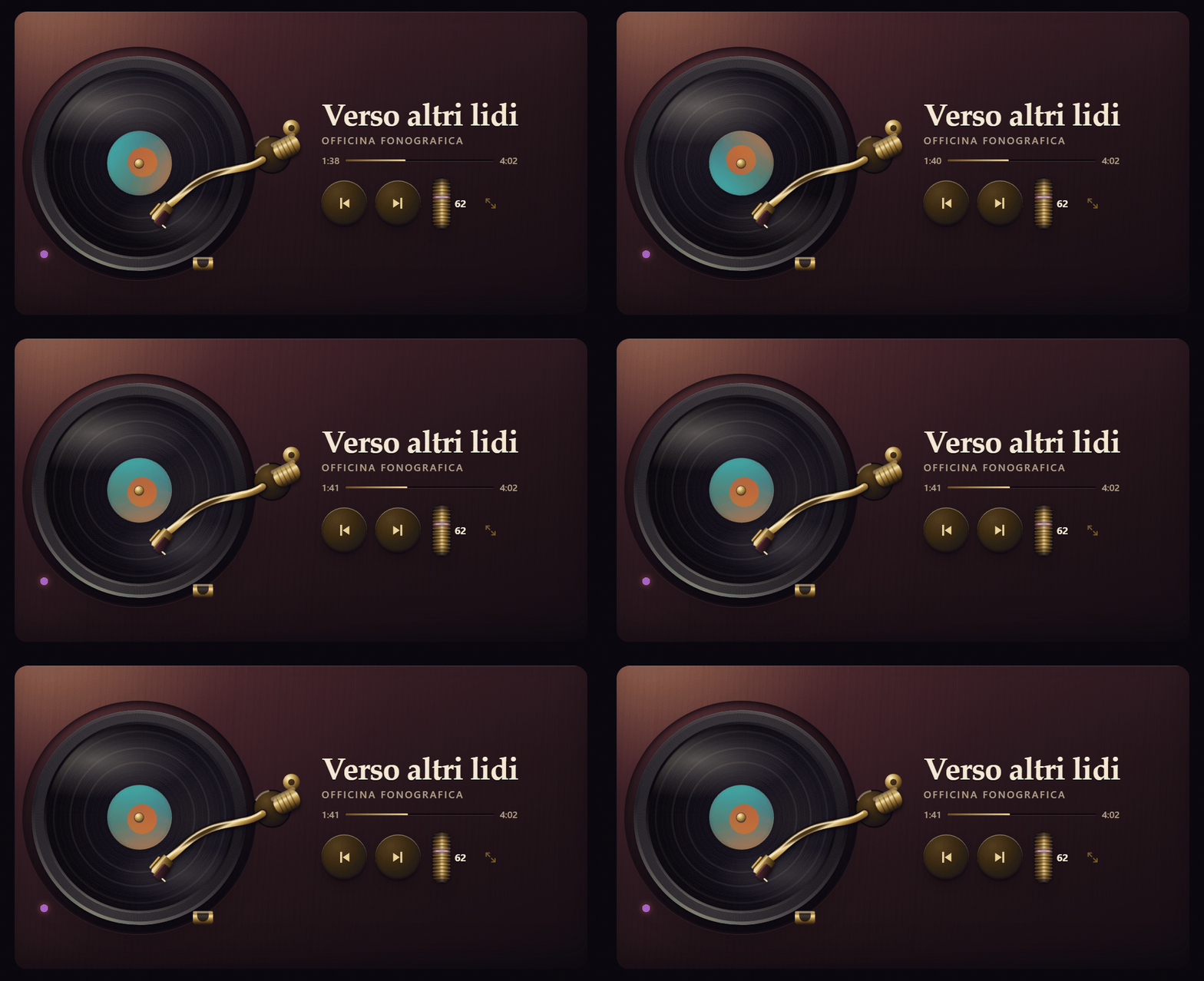
Joyride Scene
Ambient scene for Xenon supporters, by Xenon
Included for supporters, 5 USD a month. Unlock it in the catalog with your code, then paste it into Xenon under Create and share → Import. Or try it free for 7 days, once per PC, with no card.
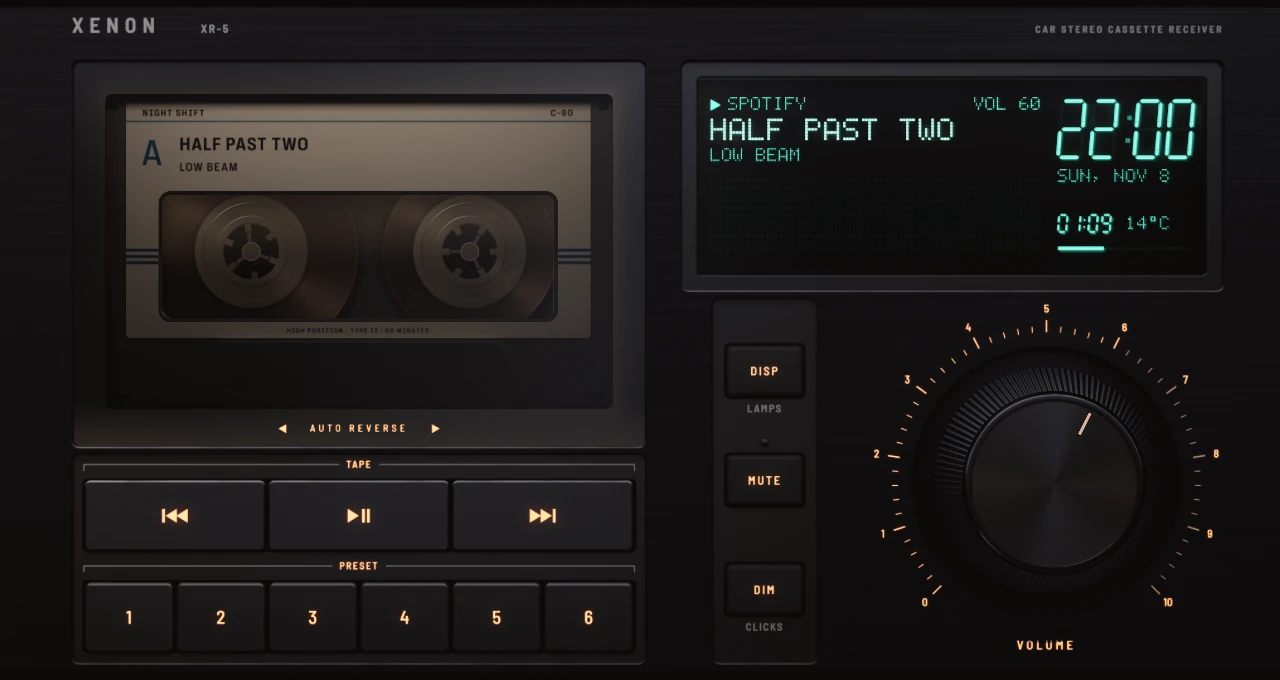
Joyride as a fullscreen Ambient scene. It opens by itself when the screen goes idle, with your real song on the tape, your hour on the display and the reels turning while music plays. It shares its six presets with the Joyride page.
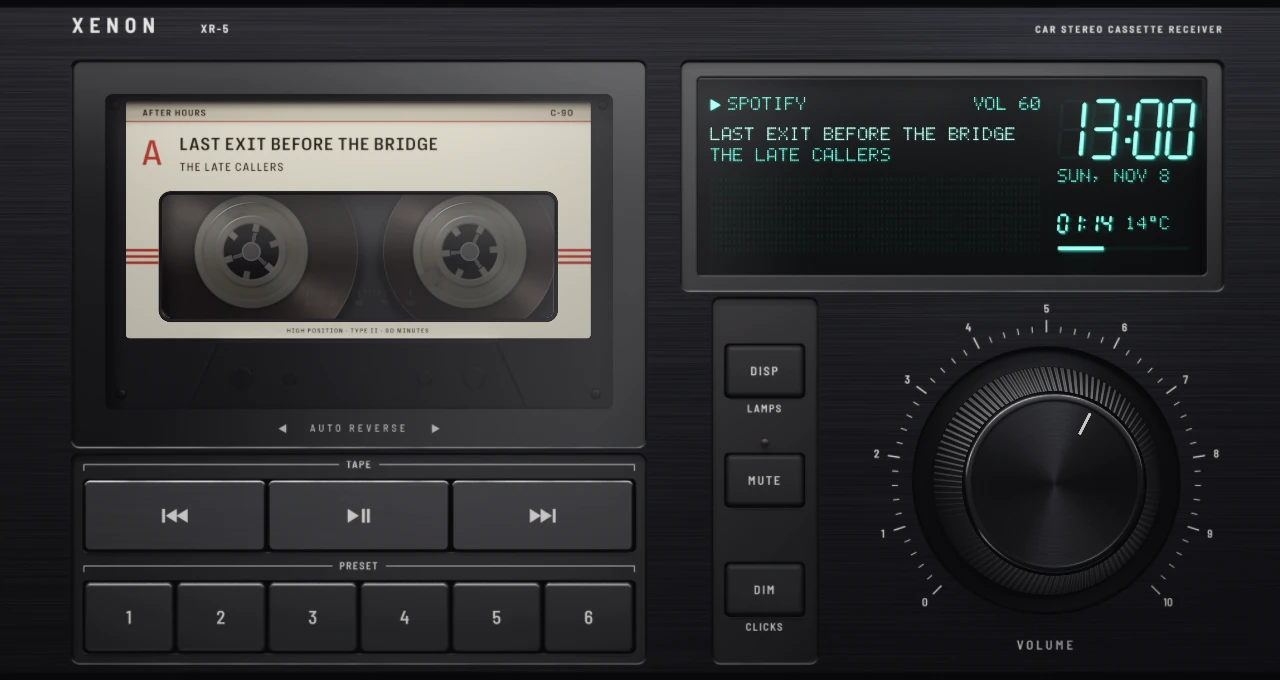
What a ambient scene does
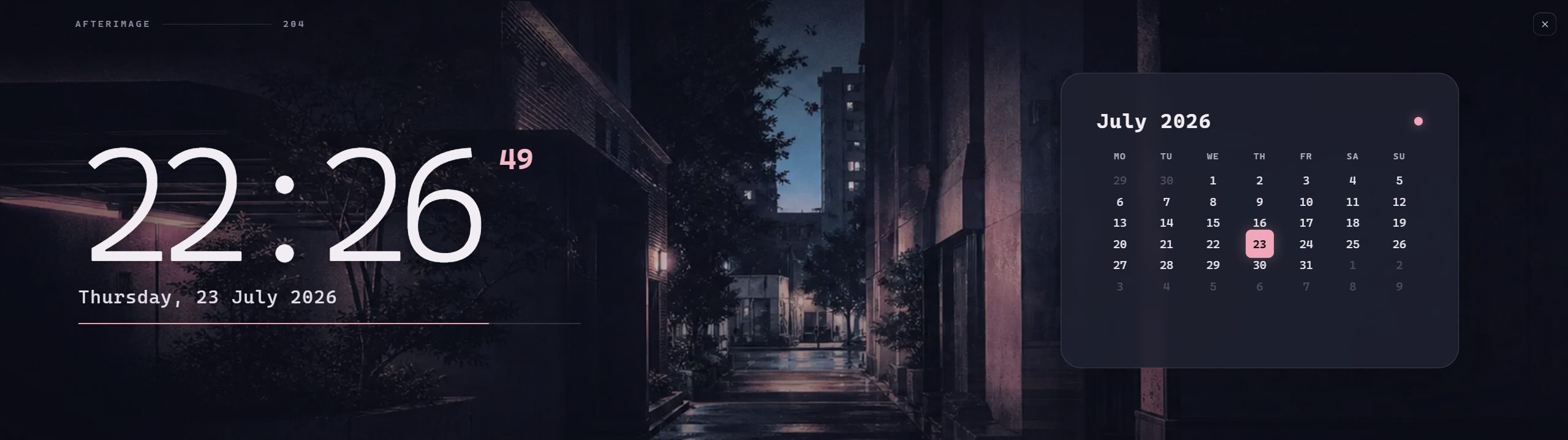
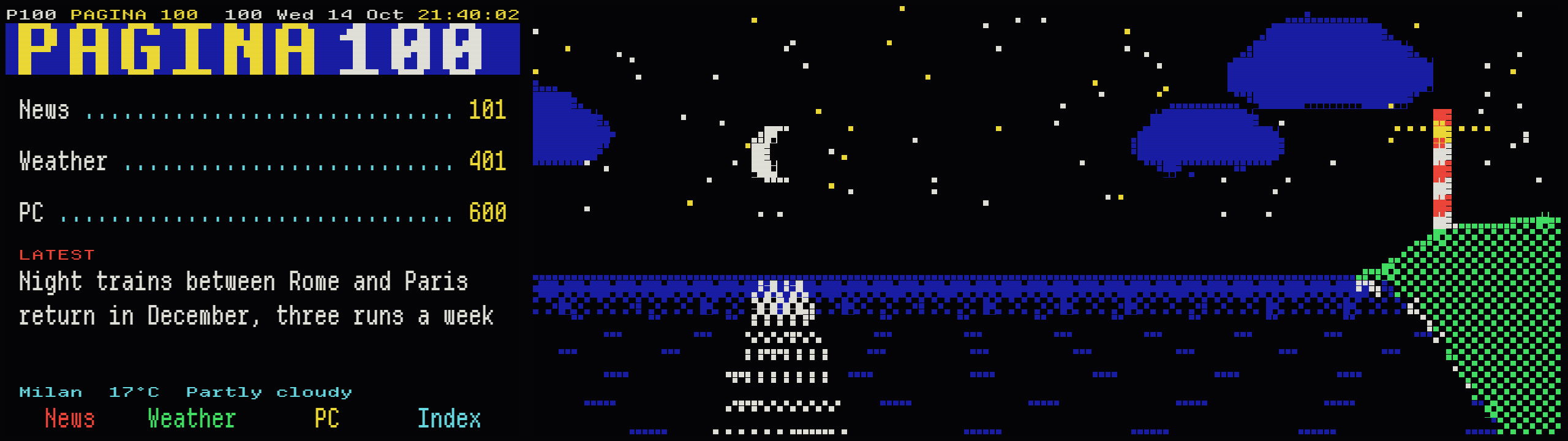
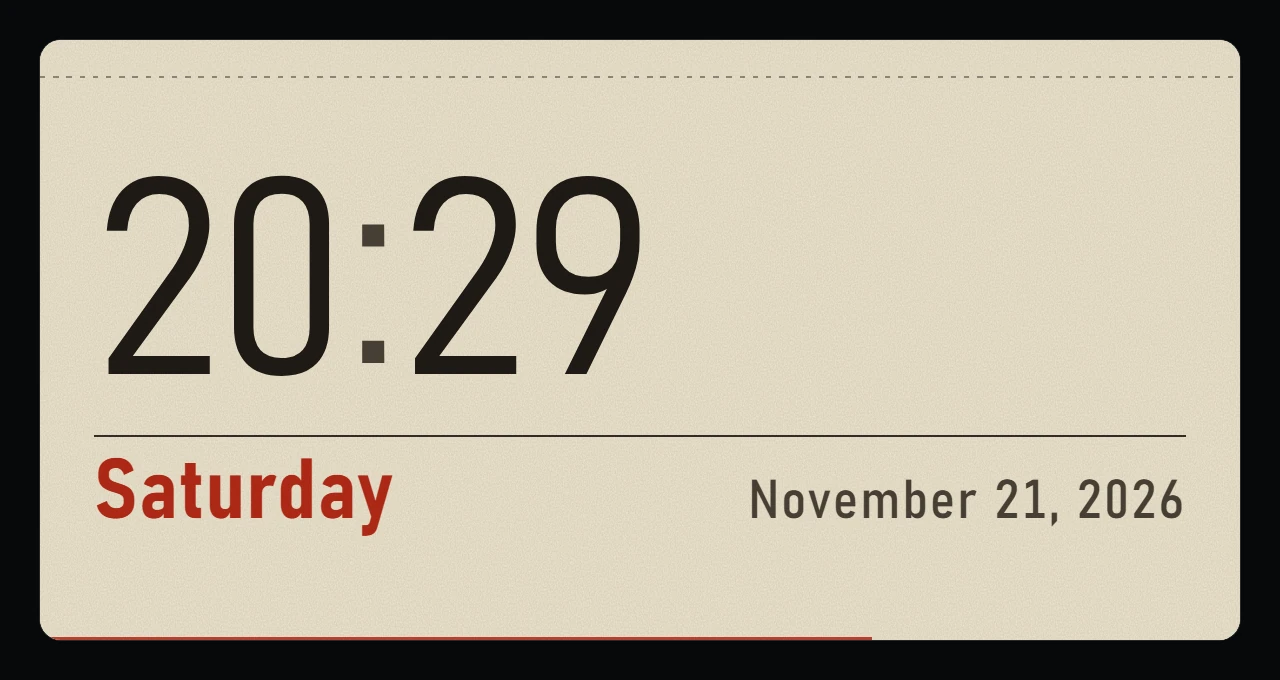
An ambient scene takes over the full screen when Xenon goes idle, and steps aside the moment you touch it. It works like a screensaver.
Palette
#ffb24a#101012#e6e3dc
How to install it
- Become a supporter, 5 USD a month, and you get a personal code.
- Open Joyride Scene in the catalog and unlock it with your code. One code unlocks it on up to three machines.
- In Xenon, open Create and share → Import and paste the code.
- Xenon shows you what the code contains before anything is applied. Confirm, and Joyride Scene is in Xenon.
- This one needs Xenon 5.0.0 or later. An older install refuses the code rather than importing half of it.