Tear-Off
Widget for Xenon, by Xenon
Free. Copy the share code, then paste it into Xenon under Create and share → Import. Everything stays on your machine.
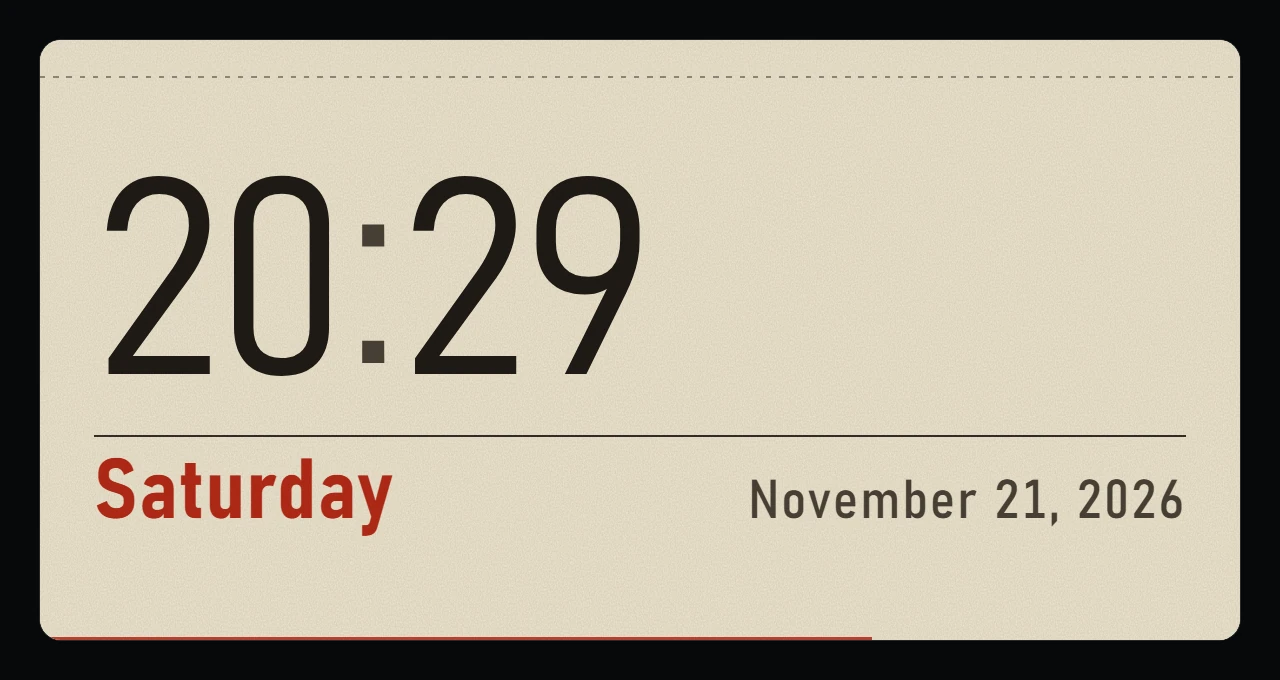
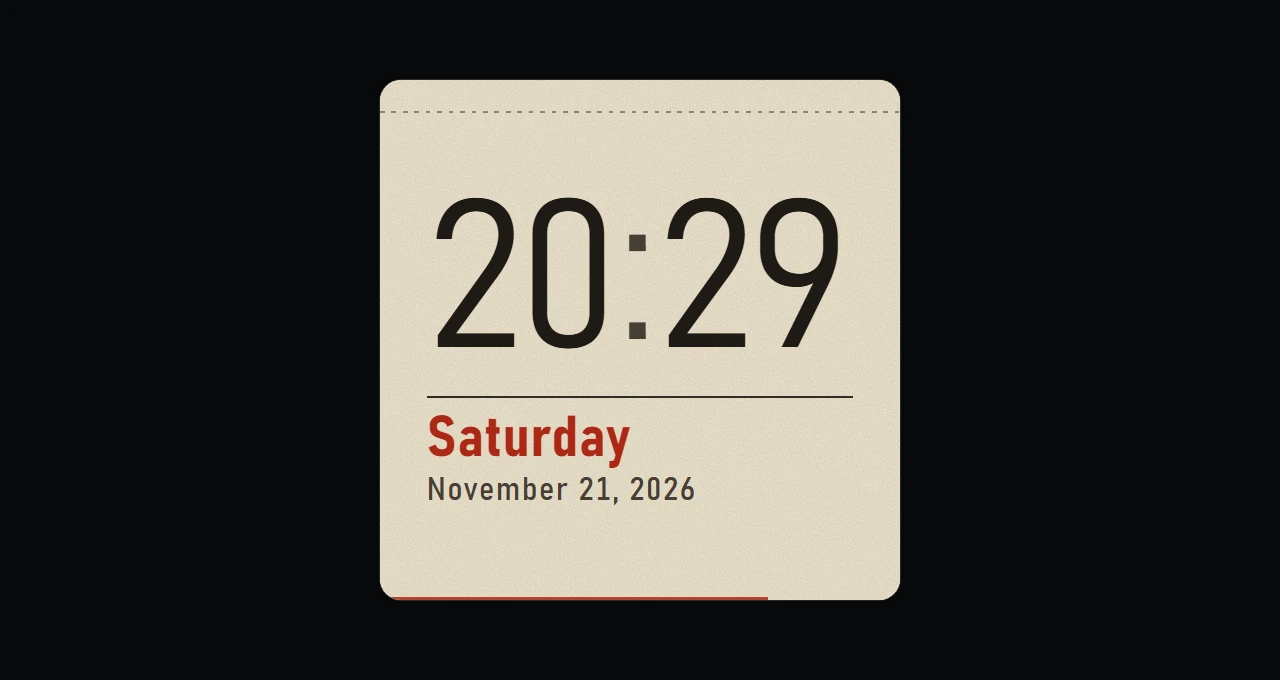
A plain clock with the weekday and the date, printed like the sheet of a tear-off calendar. The weekday is red on Sundays, a thin line along the bottom fills with the seconds, and the date follows your language. It lays out side by side on a wide tile and stacks on a tall one. Asks for no permissions.
What a widget does
A widget is a tile you place where you want it in Xenon. It runs sandboxed, with no network access unless its manifest asks for named hosts and you approve them at install.
Palette
#B42A17#ECE5D3#1F1B16
How to install it
- Open Tear-Off in the catalog and press Copy code.
- In Xenon, open Create and share → Import and paste the code.
- Xenon shows you what the code contains before anything is applied. Confirm, and Tear-Off is in Xenon.
- This one needs Xenon 4.11.0 or later. An older install refuses the code rather than importing half of it.