Meter Reading
Widget for Xenon supporters, by Xenon
Included for supporters, 5 USD a month. Unlock it in the catalog with your code, then paste it into Xenon under Settings → Widgets & sharing → Import.
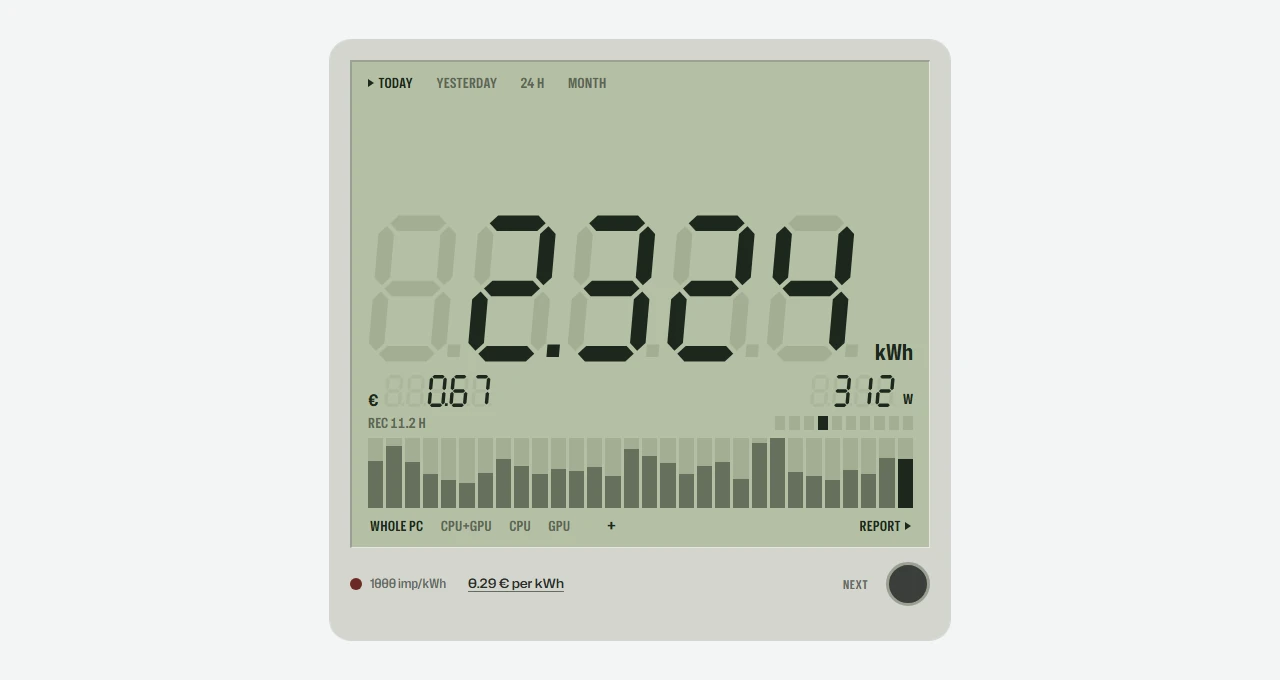
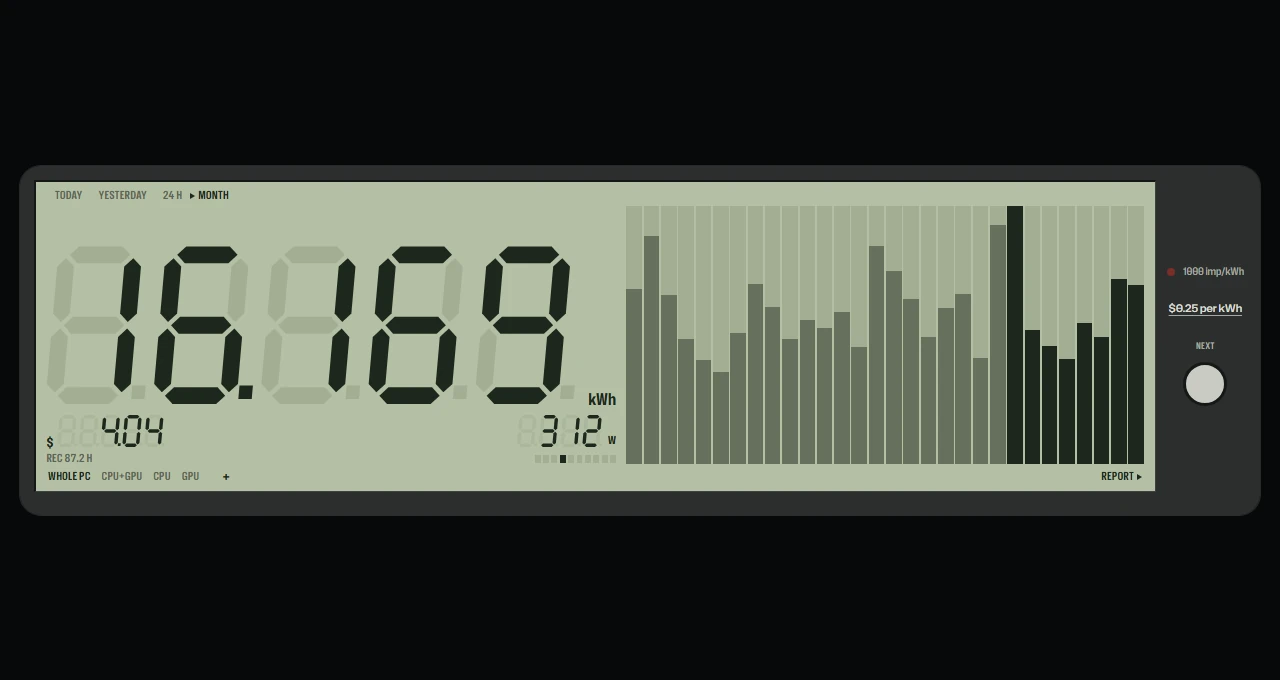
An electricity meter for this PC, drawn like a real one.
- kWh today, yesterday, in 24 hours and this month. Tap to step through.
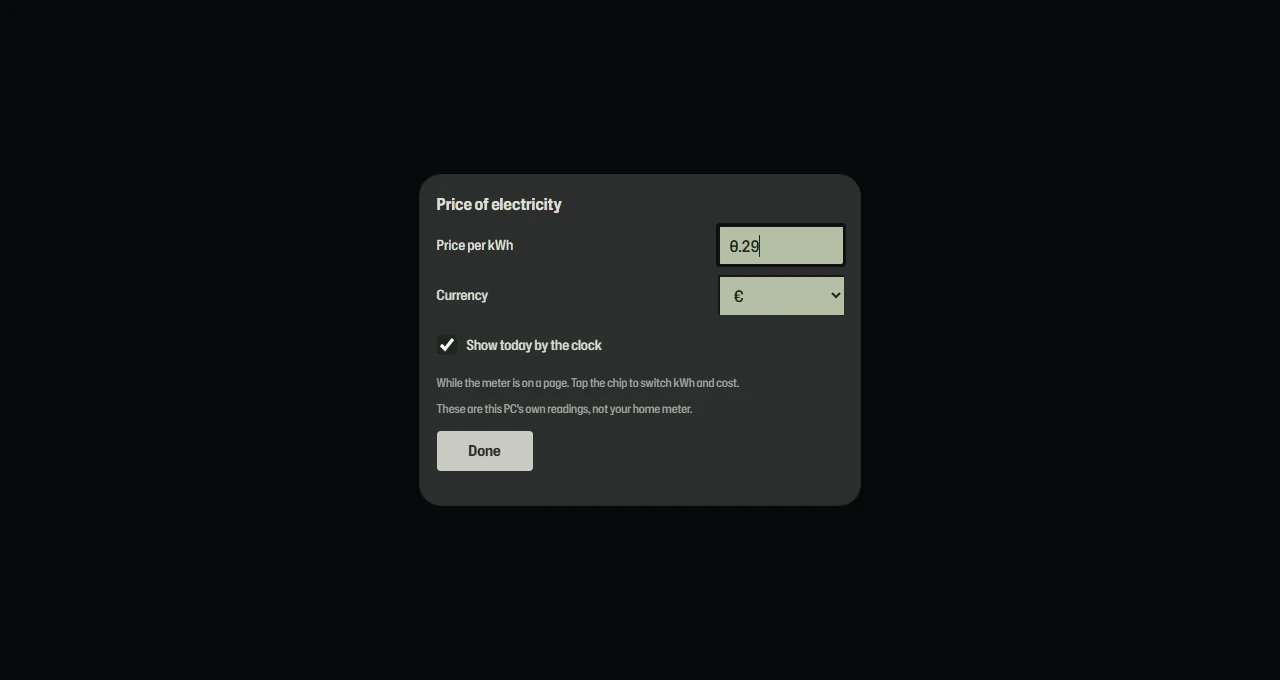
- What it costs at the price per kWh you set.
- Whole PC, CPU+GPU, CPU or GPU: pick what it counts.
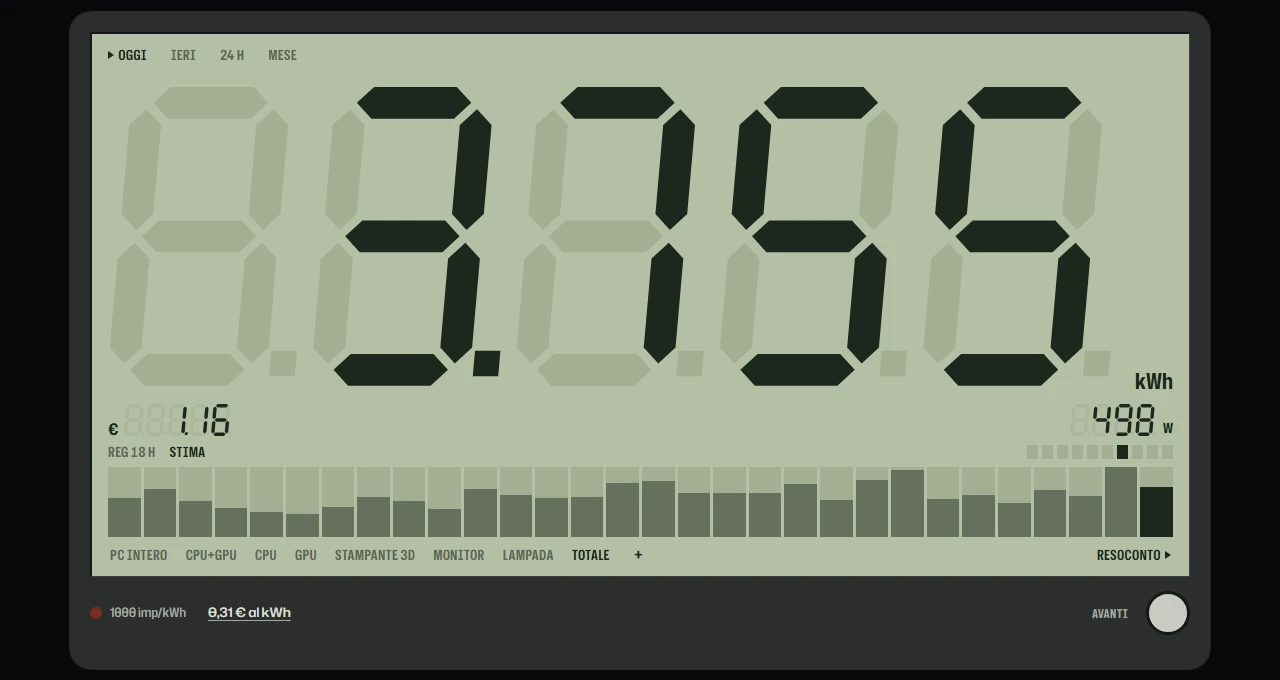
- Other devices: a 3D printer, a monitor, a lamp. Real readings from a Home Assistant smart plug, or an estimate from the watts you type. TOTAL adds them to the PC.
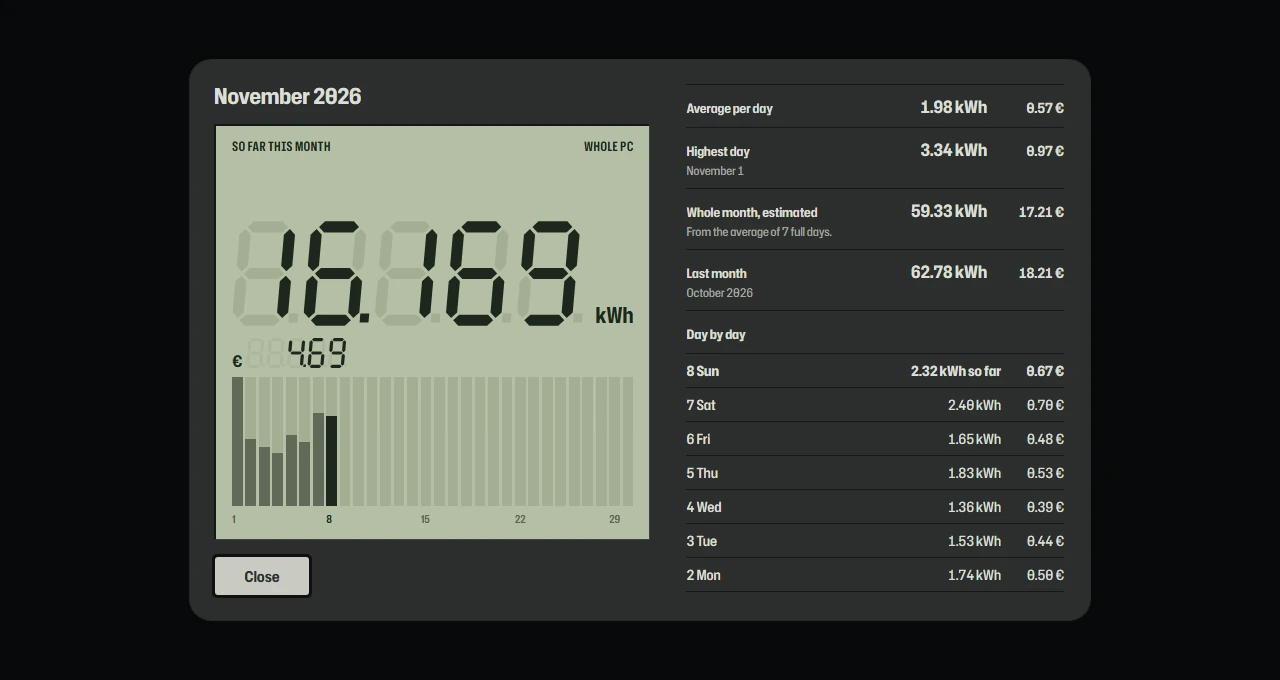
- The month report: tap the bars for every day, the average, the highest day, an estimate and last month.
- A red light blinks once per watt-hour, like a real meter.
- By the clock: today's kWh or cost in the top bar.
Needs Xenon 5.0 and the sensor history (Settings, Performance), which counts even while the meter is not on screen. Hours the PC was off are not counted.
What a widget does
A widget is a tile you place where you want it in Xenon. It runs sandboxed, with no network access unless its manifest asks for named hosts and you approve them at install.
Palette
#d4372b#b4bfa4#1d281d
How to install it
- Become a supporter, 5 USD a month, and you get a personal code.
- Open Meter Reading in the catalog and unlock it with your code. One code unlocks it on up to three machines.
- In Xenon, open Settings → Widgets & sharing → Import and paste the code.
- Xenon shows you what the code contains before anything is applied. Confirm, and Meter Reading is in Xenon.
- This one needs Xenon 5.0.0 or later. An older install refuses the code rather than importing half of it.